


Clovo Platform Update, May 2026
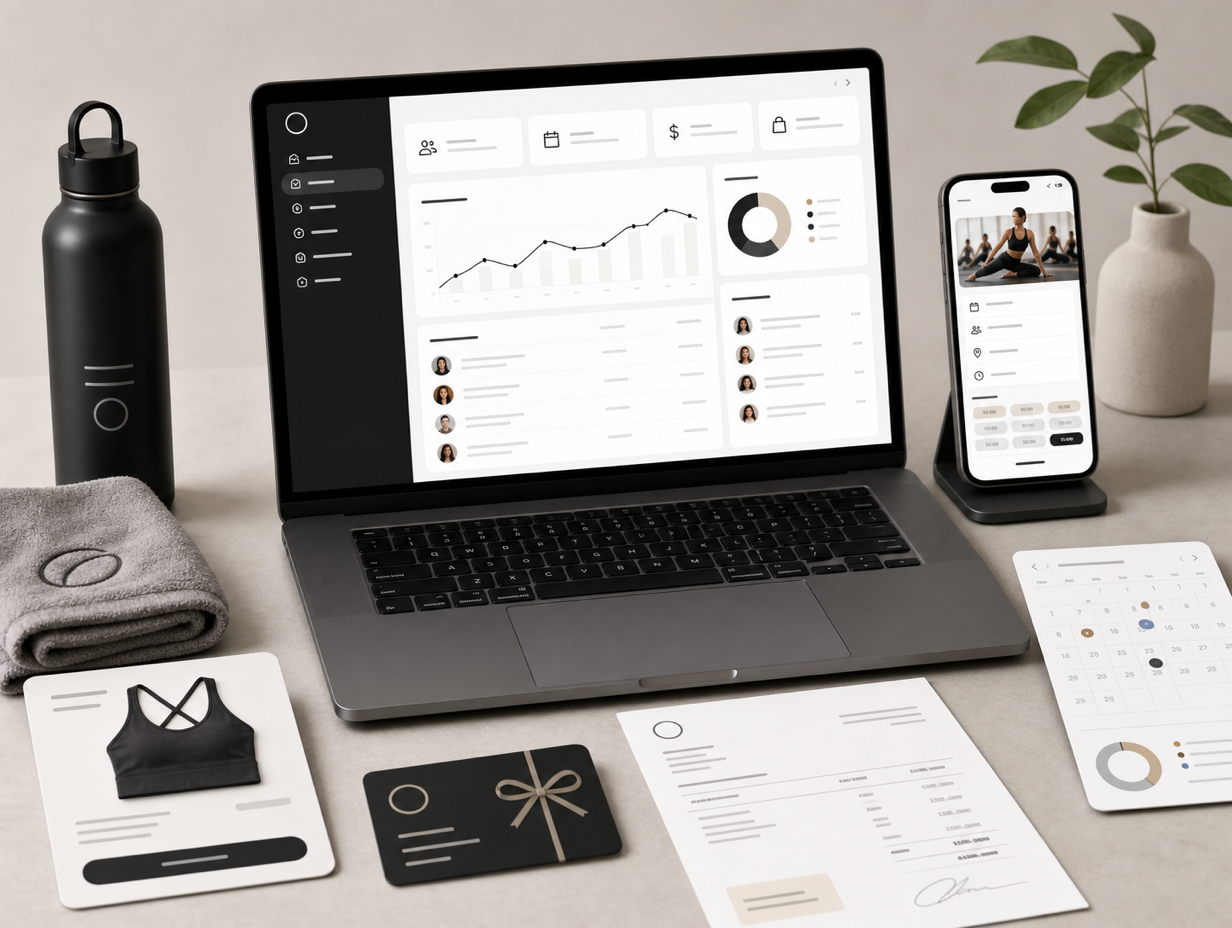
It hasn’t been long since our March update, and we haven’t slowed down. This is the biggest batch of features we’ve ever shipped in a single update.
We’ve carried on with what we set out to do last time: closing the gap between Clovo and the larger platforms. Reporting, gifting, priority booking, branded invoices – much of what arrived this round is what studios told us they were missing.
And we’ve built it the way we always do: capable when you need it, out of the way when you don’t, and never feeling like accounting software. Clovo is still made for studios, not spreadsheets.

Reporting
Reporting has landed, and it might be the feature we’re most proud of this round. It’s a full suite of reports that finally puts the numbers behind your studio at your fingertips – without ever making you feel like you’ve opened a spreadsheet.
Track your average class fill rate, average spend and visits per customer, cancellations and no-shows, churn, cohort retention, customer lifetime value, your member-to-casual ratio, monthly recurring revenue, new customer acquisition and your most popular instructors.
You’ll find all of it on your Clovo dashboard. It’s the kind of insight the big platforms charge a premium for, presented the Clovo way – in plain English.
Member Shop
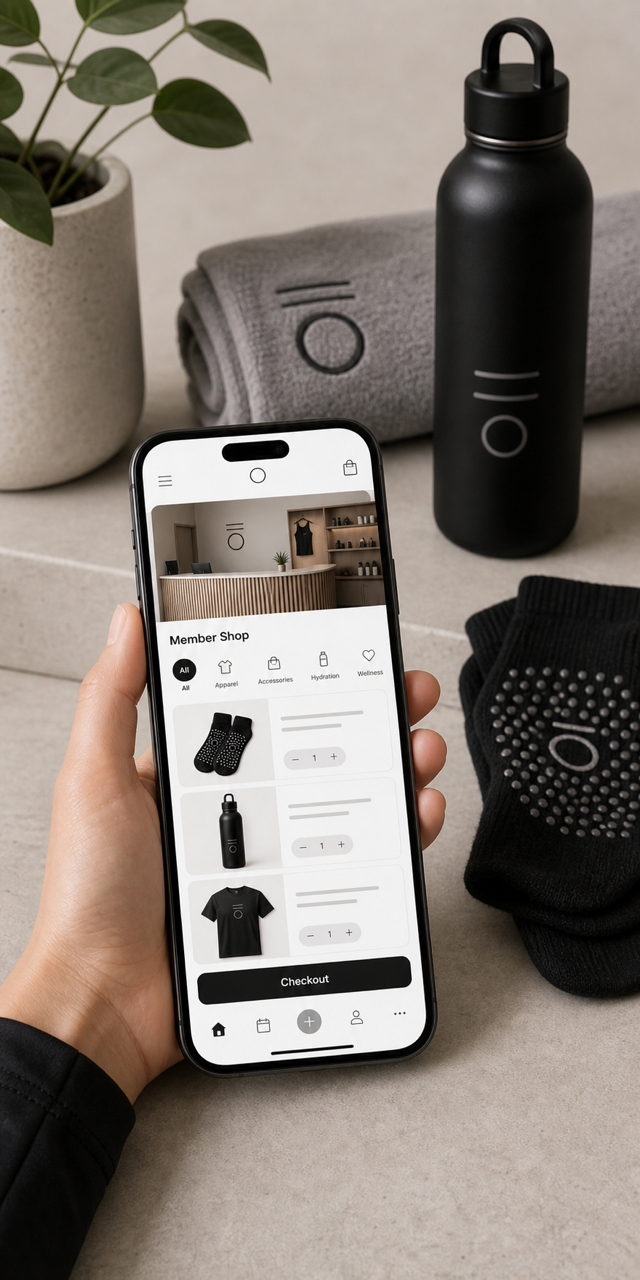
Say hello to the Member Shop – just enough online shop to sell your grip socks, water bottles and branded merch directly through your app.
No separate e-commerce platform and no clunky workarounds. Add a product, snap a photo, set a price, and your members can buy it the same way they book a class.
It even shows up on your landing page, so first-time visitors can browse your gear too.
Purchase as gift
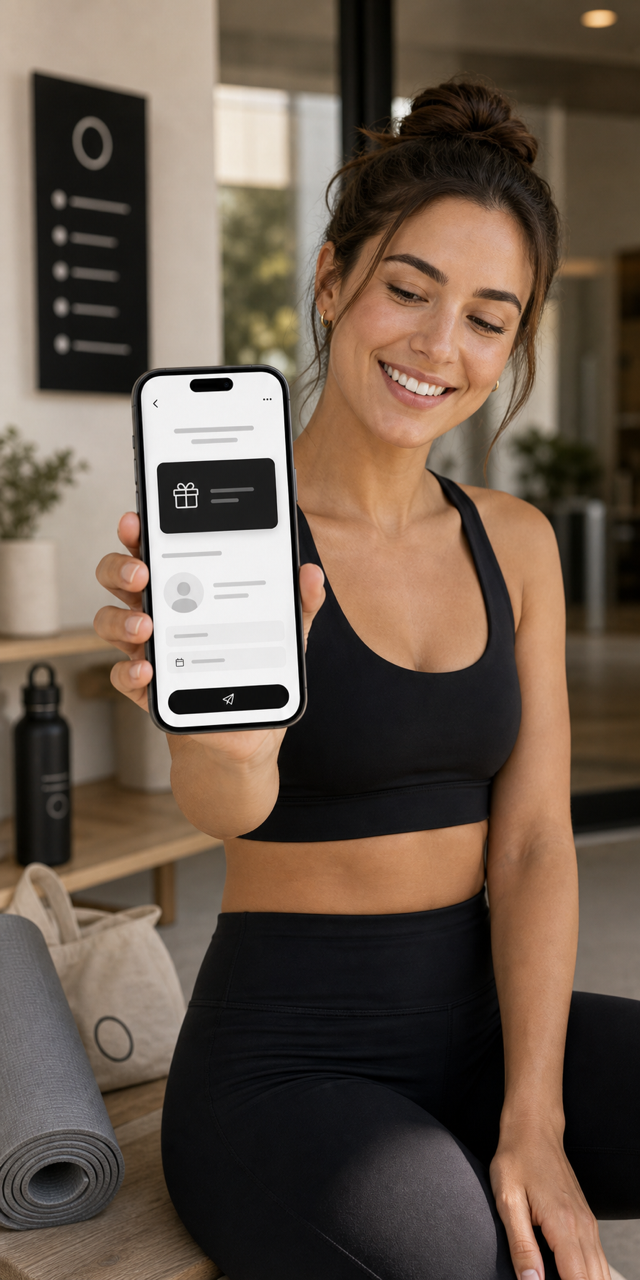
Your clients can now buy a credit pack as a gift for someone else.
Giftable packs are opt-in, so you choose exactly which ones can be gifted. The recipient gets a link to claim their gift and join your studio – a lovely, low-friction way to bring new faces through the door.
Perfect for the friend who keeps promising they’ll finally come along to a class.
Priority Booking
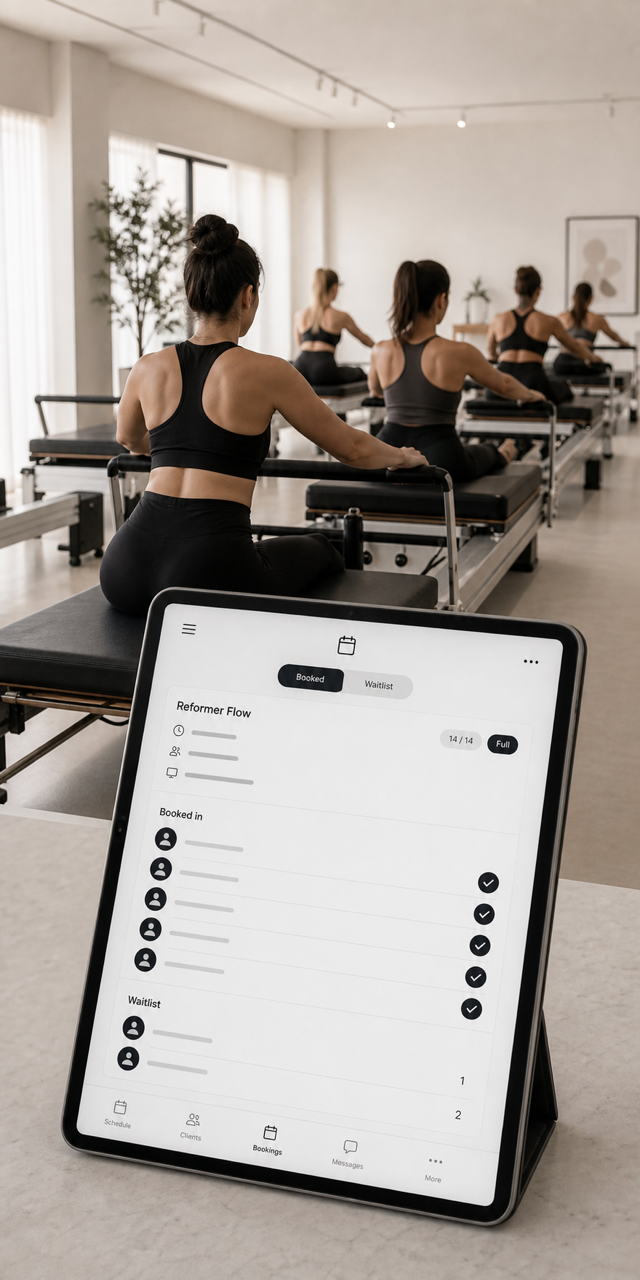
Members now get first dibs. With priority booking, your paying members take precedence over casual credit packs and trials when spots – and waitlists – are in demand.
Priority booking is opt-in, so you switch it on whenever you want it. It’s a simple way to reward the clients who commit to a membership, and to make that membership even more worth having.
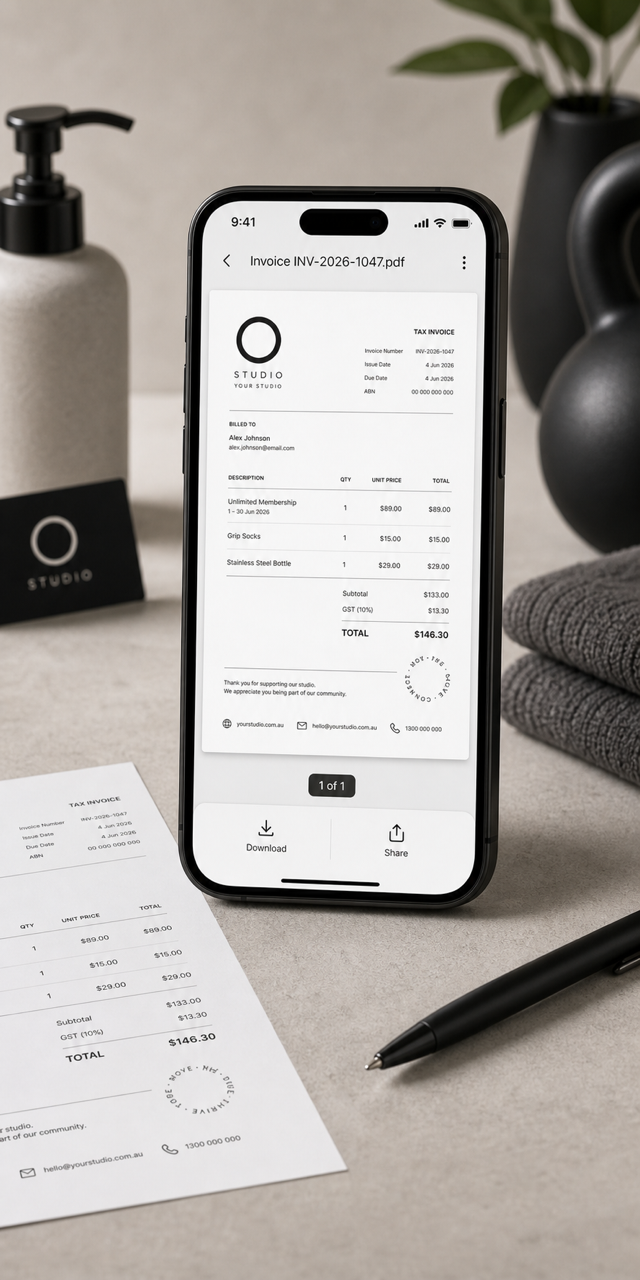
Branded Invoices
Invoices just got a serious glow-up. Clovo now generates studio-branded PDF invoices, attached automatically to your clients’ receipts.
Clients can also download their invoices straight from the app whenever they need them – handy at tax time or for reimbursement.
You can set up your invoice branding from the same place you manage the rest of your app branding.
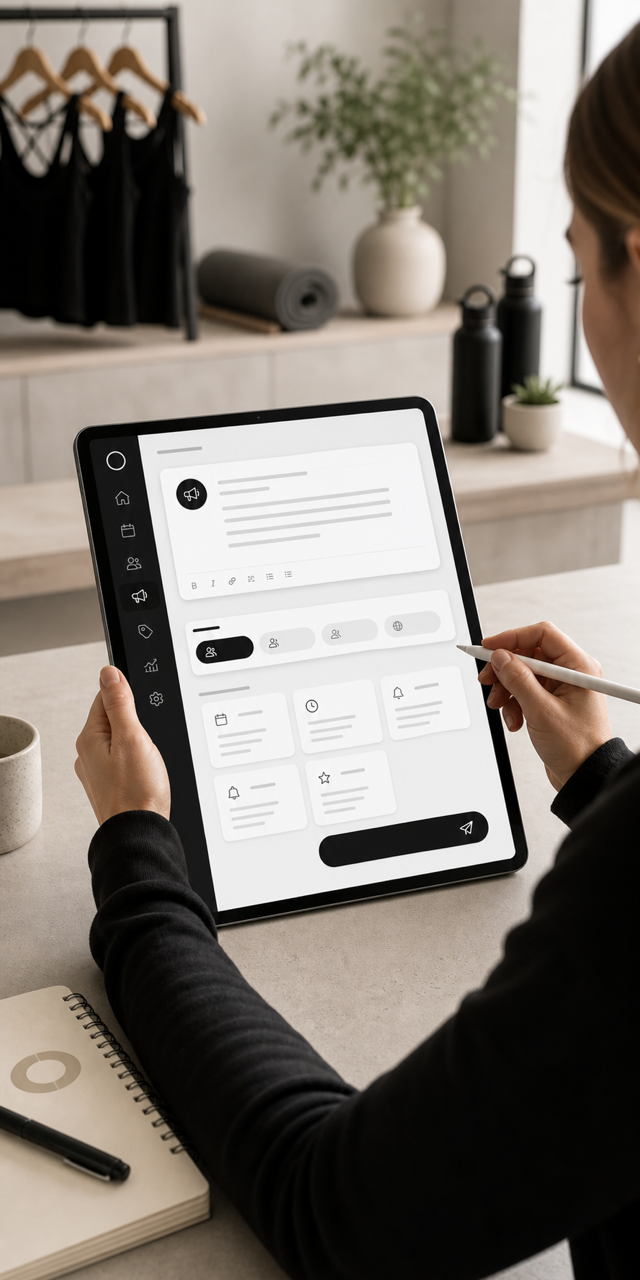
Announcements
Need to let everyone know the studio’s closed for a public holiday, or that next term’s timetable is live? Announcements let you send a message to your clients in a couple of taps.
There are canned messages to get you started, so you’re never staring at a blank box wondering how to word it.
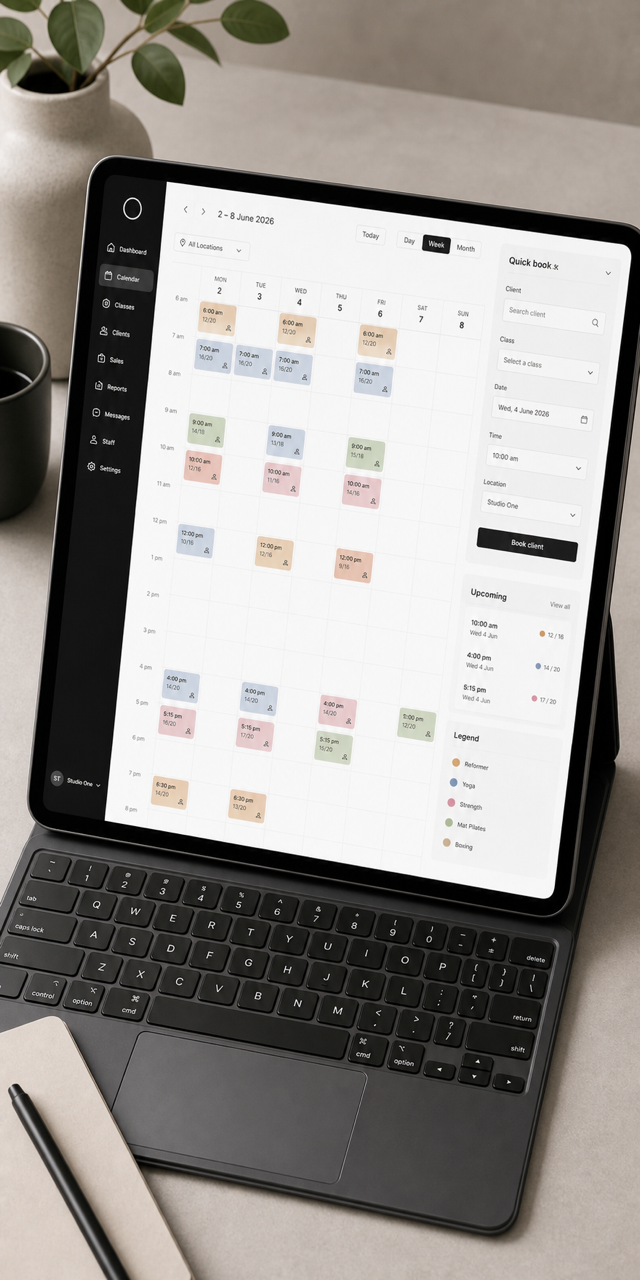
A Redesigned Calendar
We gave the calendar a proper redesign. Days are now colour-coded, there’s a locations dropdown for multi-location studios, and you can book a client straight from the calendar.
It’s faster to scan, easier on the eyes, and one of those quietly satisfying upgrades you’ll feel every day on your dashboard.
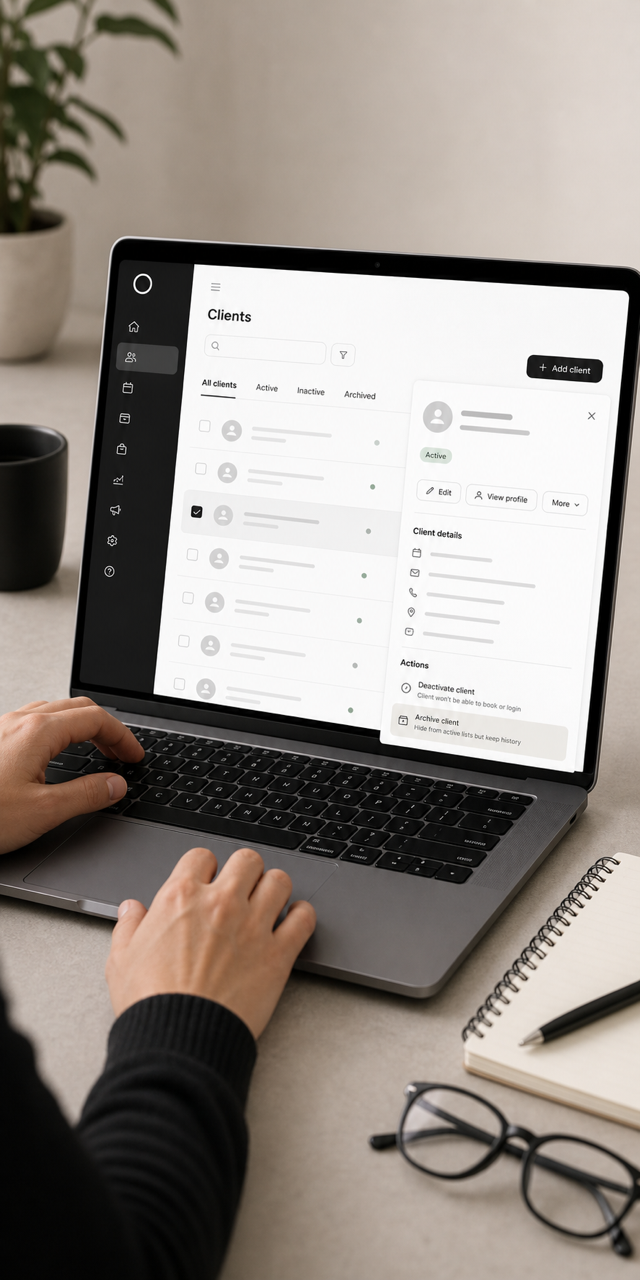
Archive Clients
You can now archive a client to tidy up your lists while keeping their full history.
Archiving hides a client from your active and inactive lists and stops them booking, but it’s completely reversible. It’s not the same as deleting, and it never touches their data.
Great for clients who’ve drifted off but might one day come back.
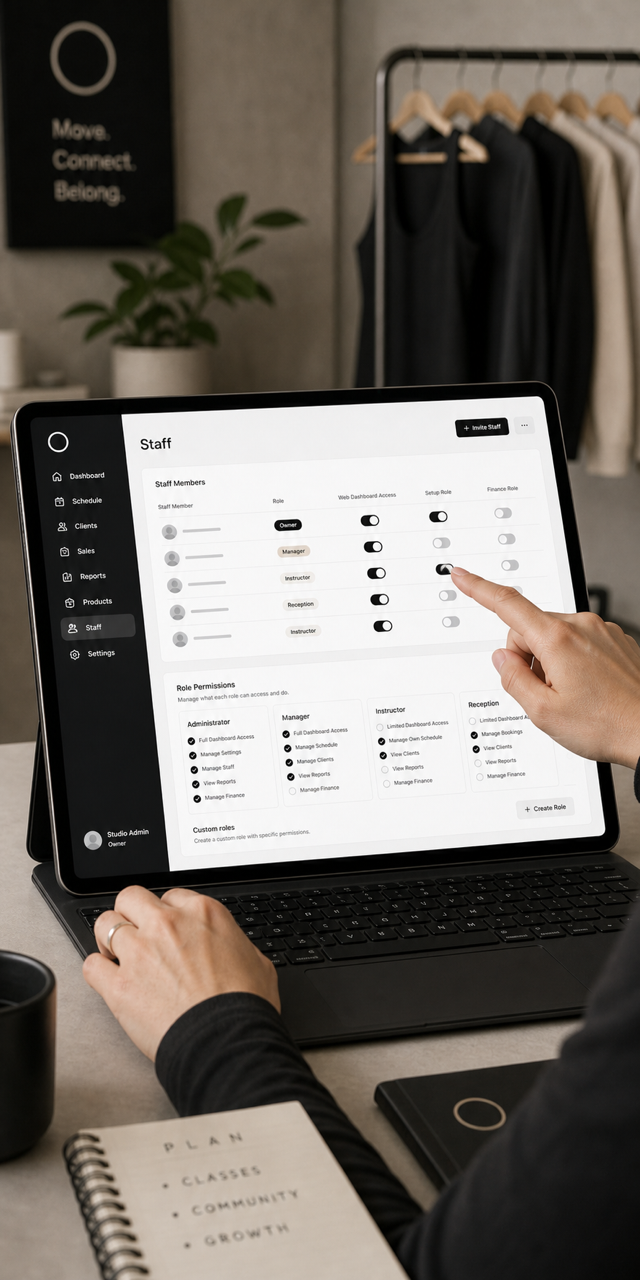
Staff Dashboard Access & Roles
Following on from staff accounts in our last update, you now have far finer control over who sees what.
A new Web Dashboard Access toggle lets you give a staff member an account for the mobile app without handing them the keys to the back-office web dashboard. And our Setup and Finance roles keep setup screens and financial information restricted to the right people.
There’s more on staff features over on our integrated admin app page.
Upcoming Payment Notifications
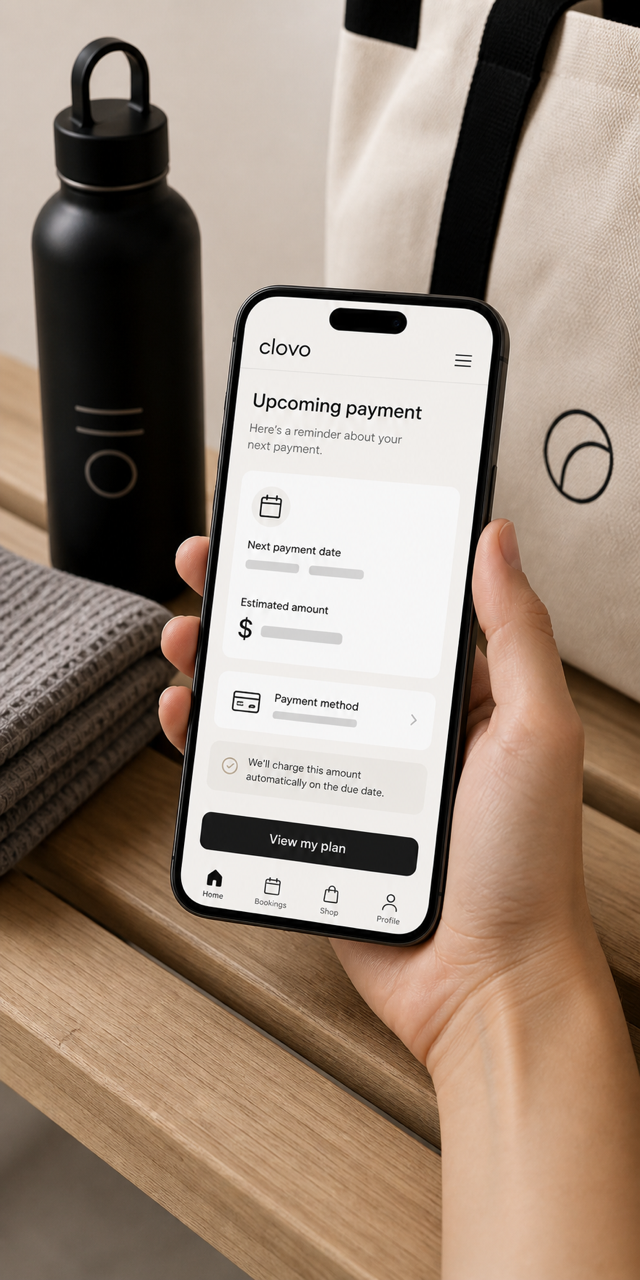
Clovo now gives your clients a friendly heads-up before their next payment is collected.
Fewer surprises for them means fewer failed payments – and fewer awkward conversations for you.
Private Health Codes
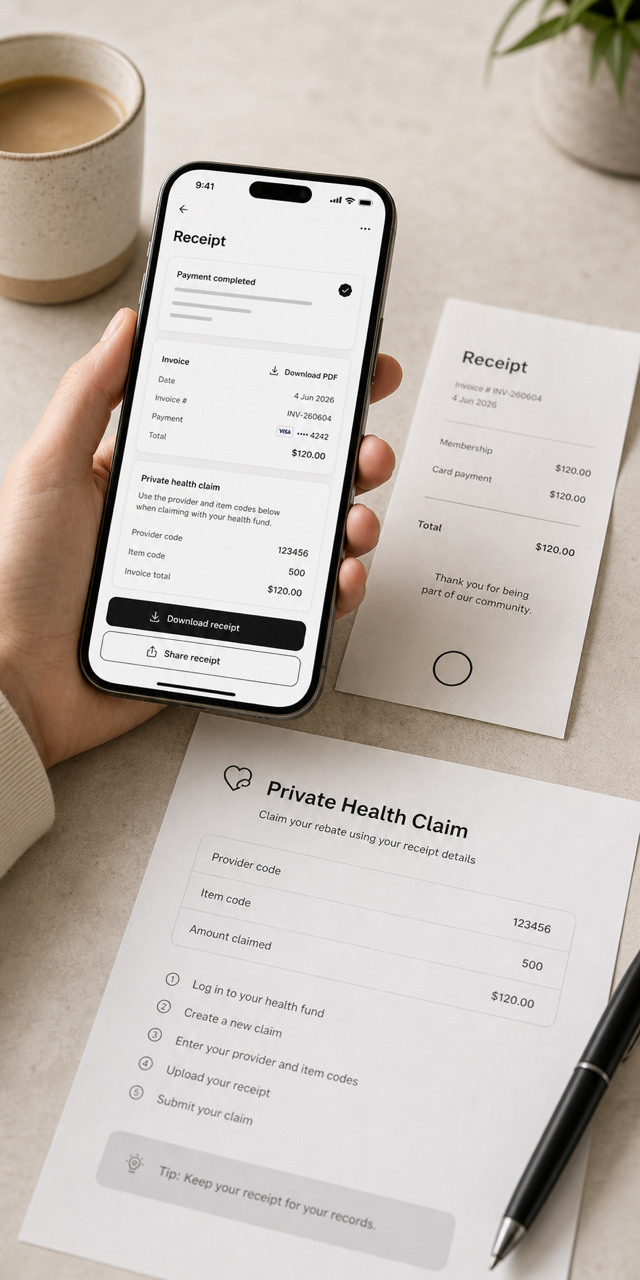
For studios offering services that qualify for private health rebates, you can now add provider and item codes to direct purchases.
That means your clients get the details they need to claim back from their health fund – without you having to write it all out by hand.
That’s everything for this round, with more already in development. As always, we welcome your feedback – it has a direct influence on what we build next.