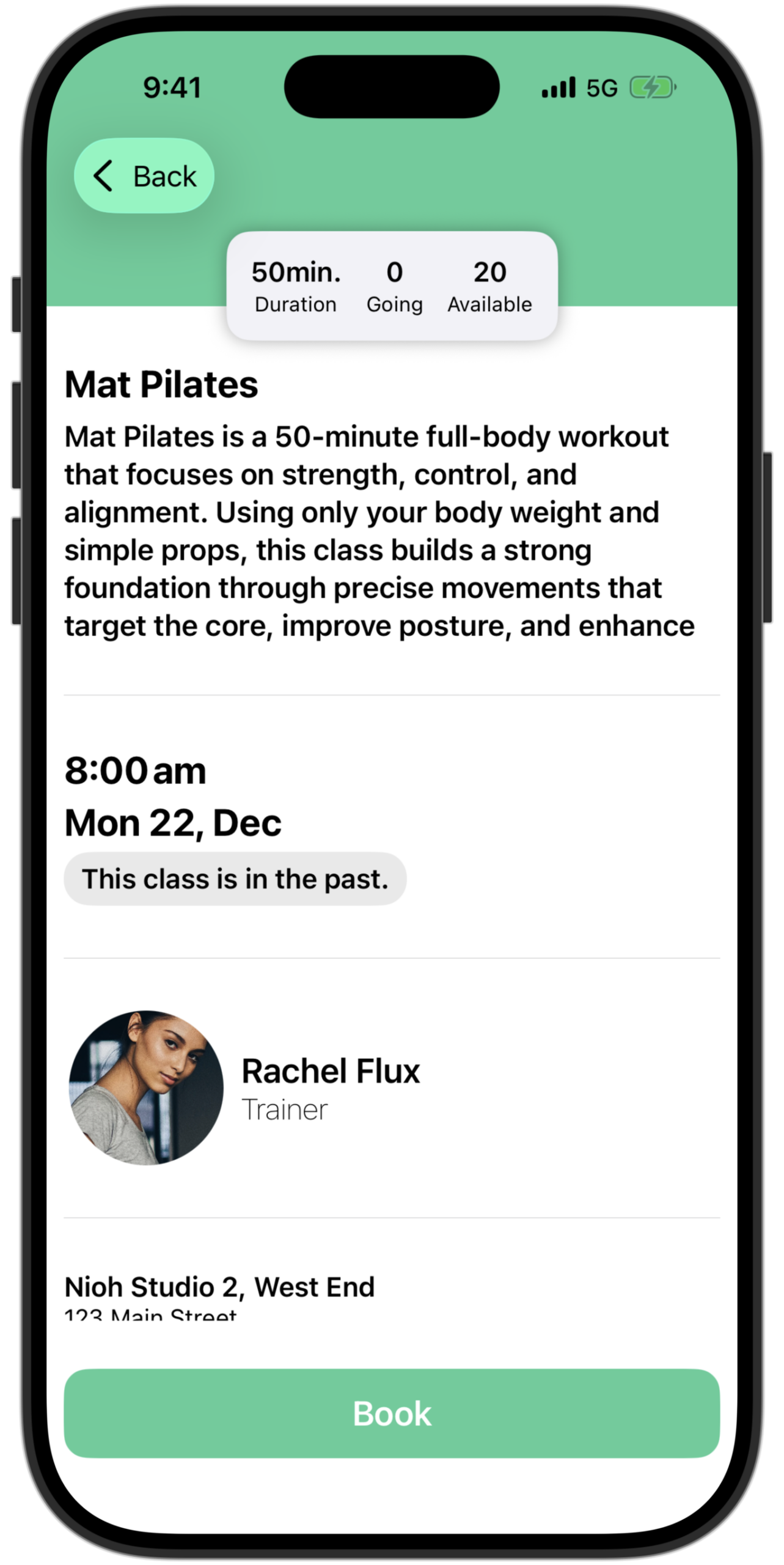
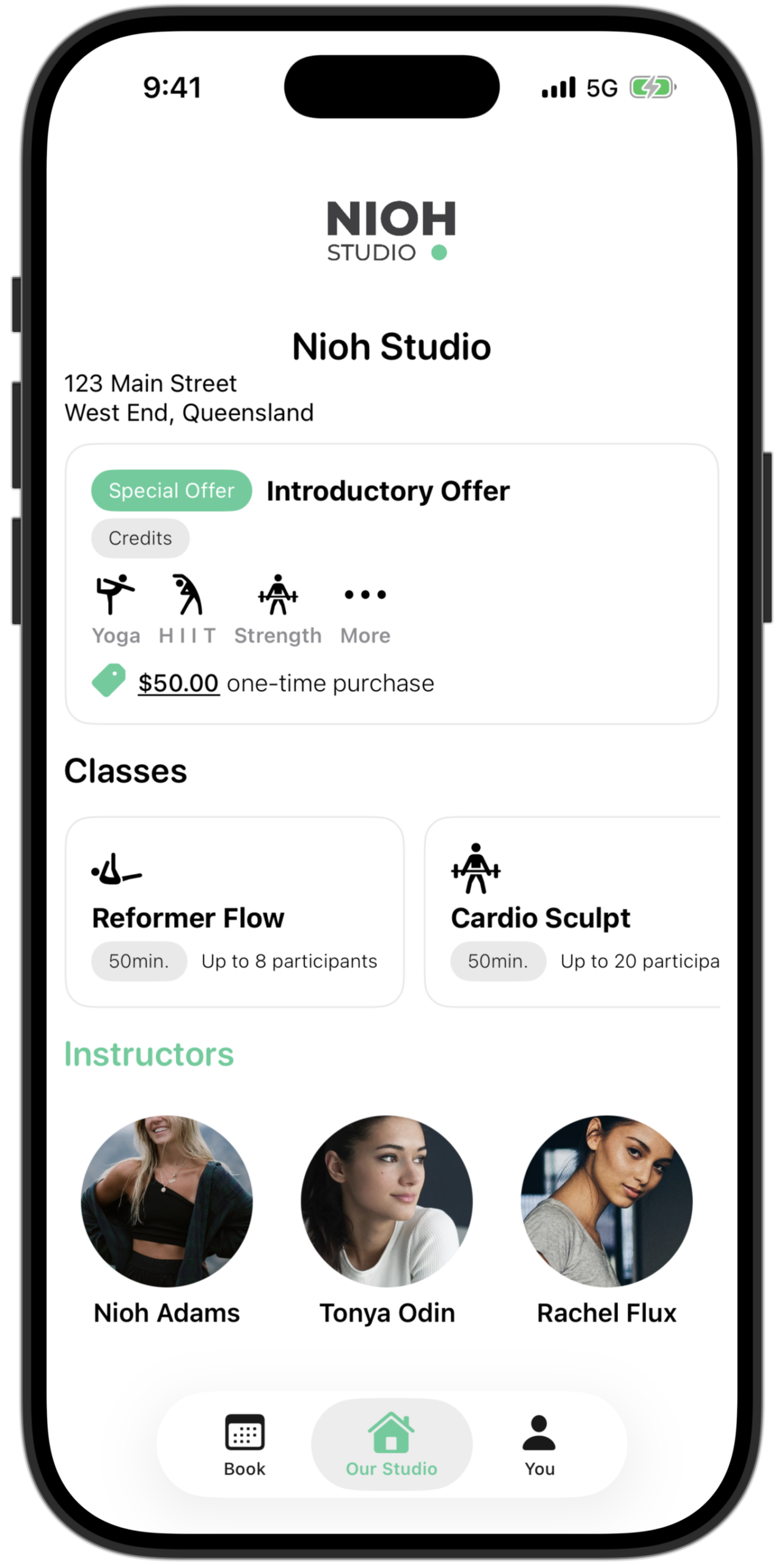
Client app

Download the Clovo app
Book classes, manage your memberships and credit packs, tap in at the door, and keep your studio schedule in your pocket.
On a phone, a badge opens your app store. On a computer? Open this page on your phone, or search Clovo in the App Store or Google Play. When you open the app, search for your studio by name. Then go to the You tab and choose Email me a sign in code or Log in with password. Moving from another booking system? Read our guide to getting started when your studio moves to Clovo.