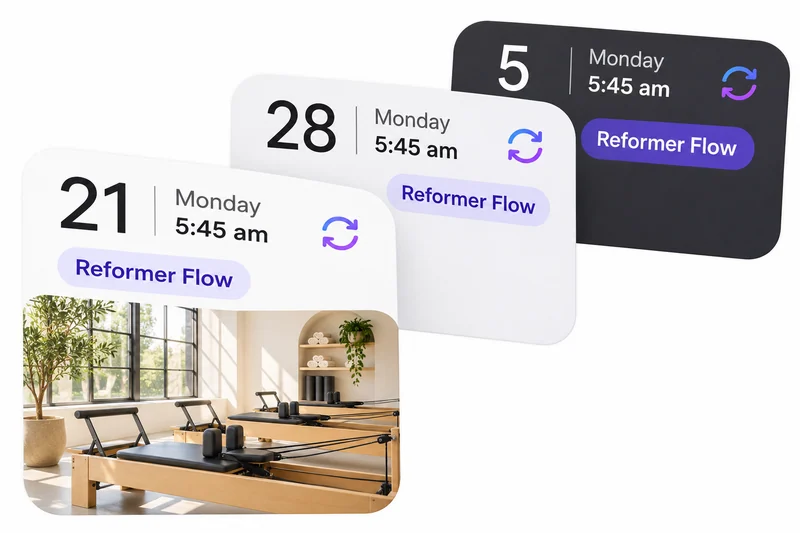
Simple scheduling
Set your week once. Keep classes open.

 Clovo Booking App
Your branding inside Clovo, after download and studio selection.
 Studio Management Dashboard
Manage schedules, clients, payments and more in one place.
 Landing Pages
Showcase classes and pricing on your own .clovo.app page.
 Member Shop
Sell studio merchandise through the app your members use.
 Client Records
Keep progress notes, forms and agreements securely together.
 Integrated Admin App
Manage your studio from the Clovo app, wherever you are.
 Website Add-ons
Add live schedules and ways to buy to your existing website.
 Retention
Spot clients drifting away and reconnect before they leave.
 Clovo Kiosk
Turn a spare iPad into self check-in and a studio showcase.
 Growth
Grow your studio with reporting, offers, reviews and referrals.
Move an existing Reformer Flow class by dragging it from Wednesday at 9:30 am to Thursday at 10:30 am. Then the mobile app appears over the full-size calendar, scrolls past two classes in the Book tab, and opens the three-dot class-management sheet. After a brief pause, tap Add booking, choose Mia Thompson, and see Booking Successful with five clients booked. Membership selection is omitted from this shortened demonstration.
Emma chooses a 50-minute one-to-one Pilates appointment for Tuesday at 10:30 am, priced at $85. She selects Card, adds her card details securely and sends the request. It awaits staff approval; no payment is taken yet. Sarah receives the appointment request notification and reviews Emma’s details on her phone. Sarah approves the request through the confirmation dialog. The card payment succeeds and the staff screen shows Confirmed and Paid by card. Emma receives her appointment confirmation and opens the confirmed booking on her phone.
Open the studio branding settings. Choose a colour using the live colour picker. Preview the updated booking experience.
Add Sarah’s profile photo to her prepared instructor profile, then create it. The instructor list shows her portrait, name and title. A phone appears with the same photo, professional title and full biography on the app’s instructor profile screen.
Create an announcement titled Sunday studio social, inviting clients to join you after the 9 am class. Review the draft and send it to the 12 selected recipients. The announcement list confirms it has been sent. A client’s phone comes into view with the announcement in the app’s Unread list. Open the announcement to read the same title and message in the Clovo app.
Choose Reformer and Mat Pilates for a shared membership allowance. Open the allowance menu, select “2 of any”, and create the $45 weekly Studio membership. The member app appears in a phone: select the membership, review its inclusions and weekly price, and tap Buy membership. The payment sheet opens with empty card fields. This demonstration ends before payment details are entered or a payment is submitted.
Create a ready-to-use studio membership agreement, then attach it when creating a membership plan. A member buys the plan in the app, reads the agreement, accepts its terms and signs their name. They continue with their purchase and see its confirmation.
Finish a form by adding a required question, then create it. A new client sees a request to fill in the form in the app. They select their answers, type a short response and submit. The completed form shows their saved answers.
Browse studio products, including grip socks, bottles, covers, rings, towels and shirts. Open the grip socks and view the product photo. Enter the new stock quantity, add a delivery note and review the adjustment.
A member holds their phone’s Self Check-In pass in front of the iPad camera. The kiosk reads the QR code and confirms their check-in. A second member presents their phone, with class attendance illustrated behind the iPad.
Browse the studio’s open classes. Open a class for its booking details. Compare the studio’s memberships.
Review the day’s classes and check Emma in. Open the class bookings and confirm Lucas’s booking cancellation. Change the class from 9:00 to 9:30 and review its updated time.
Review a full class and its waiting members. Choose Add to Waitlist. Select the member and review before continuing.
Visit a studio’s own website, with its logo, navigation and class page. Browse the Clovo timetable embedded within that page. Move to the following week. Switch between the column and list views.
Open the class fill-rate report. Expand the chart data to inspect individual results. Return to the attendance chart.
Everything included as standard. No exclusions, no add-ons
Set your week once. Keep classes open.
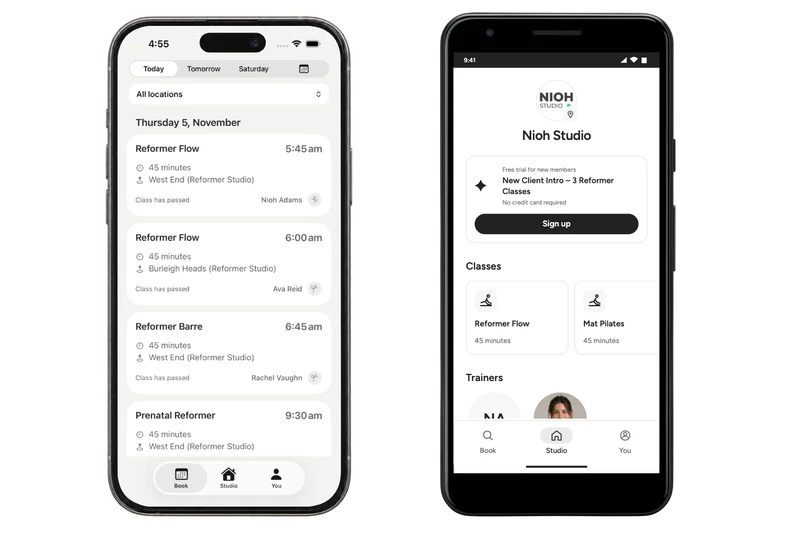
Make booking feel like part of your studio.
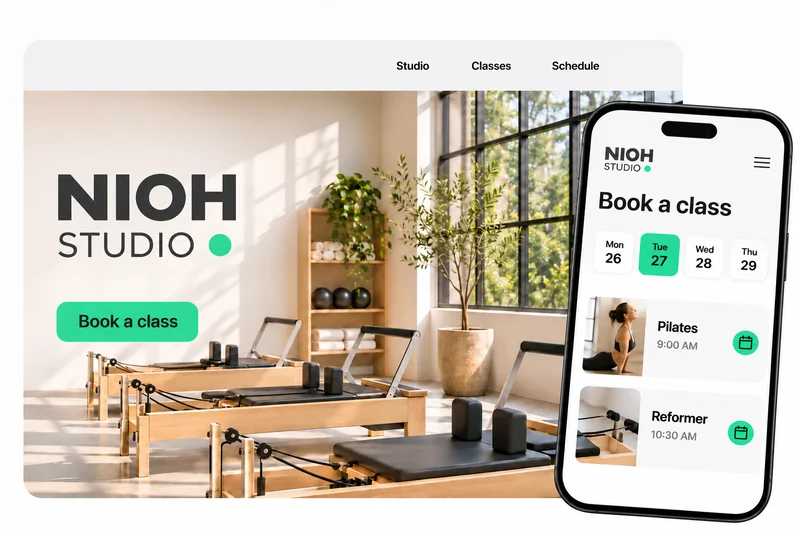
Your studio, classes and pricing. One link.
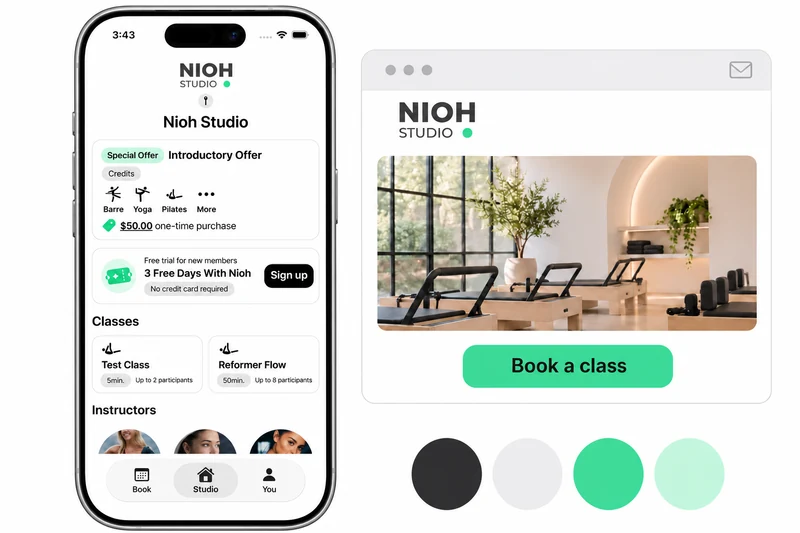
Your logo and colours, after Clovo download and studio selection.
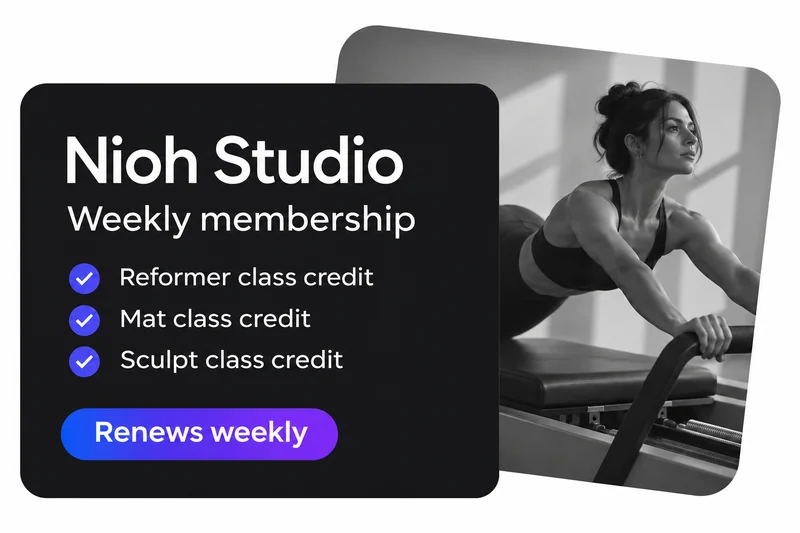
Flexible plans. A reason to keep coming back.
See the numbers behind a stronger studio.
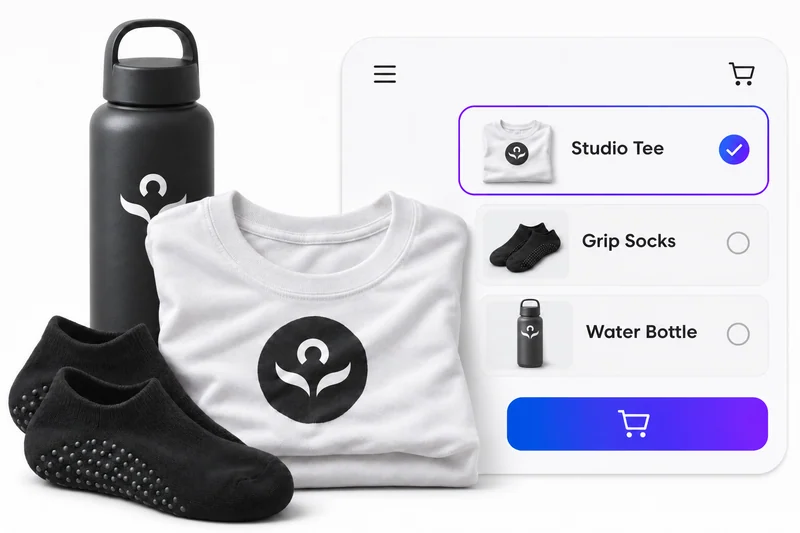
Your merchandise. In their booking app.
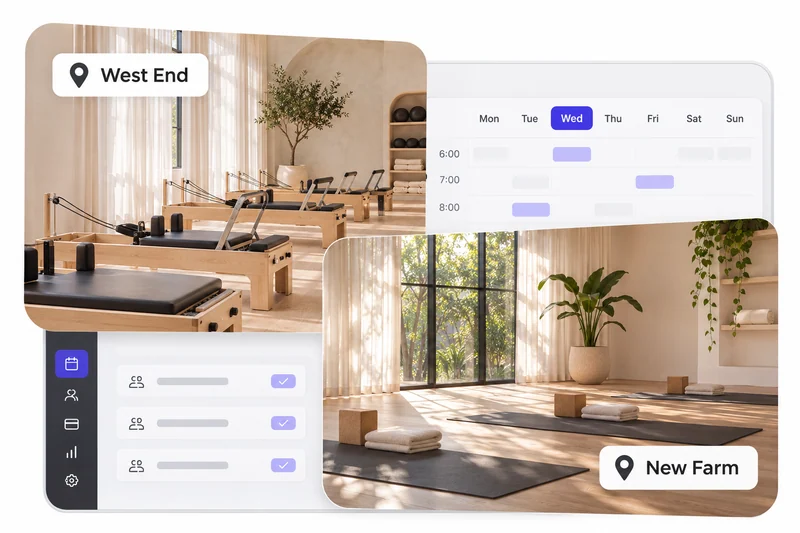
Every location. One place to manage it.
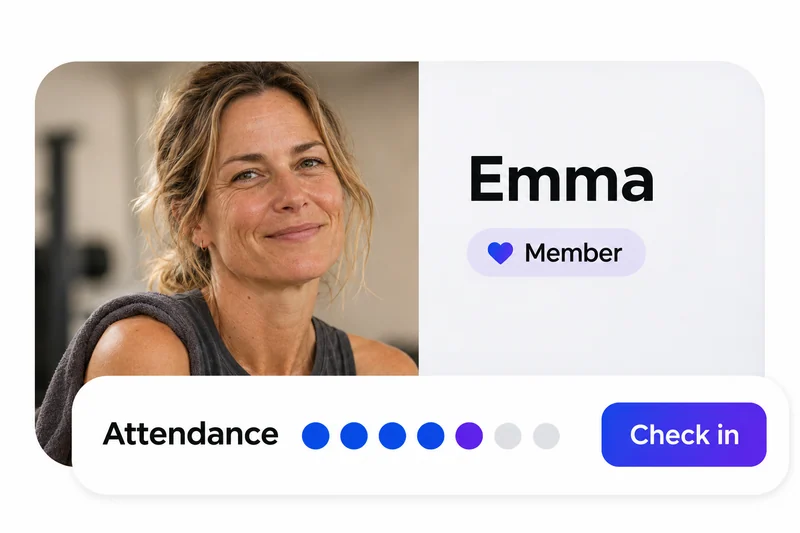
Notice a change. Make a personal connection.
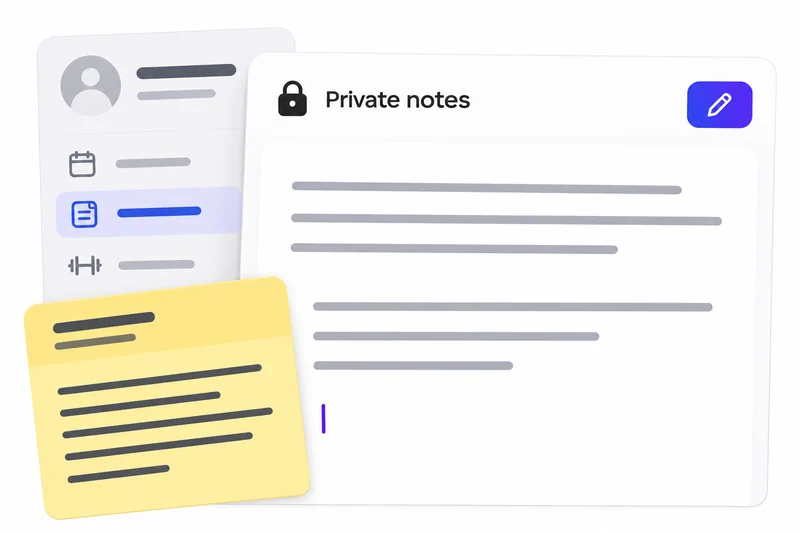
Write with history. Keep a trusted record.
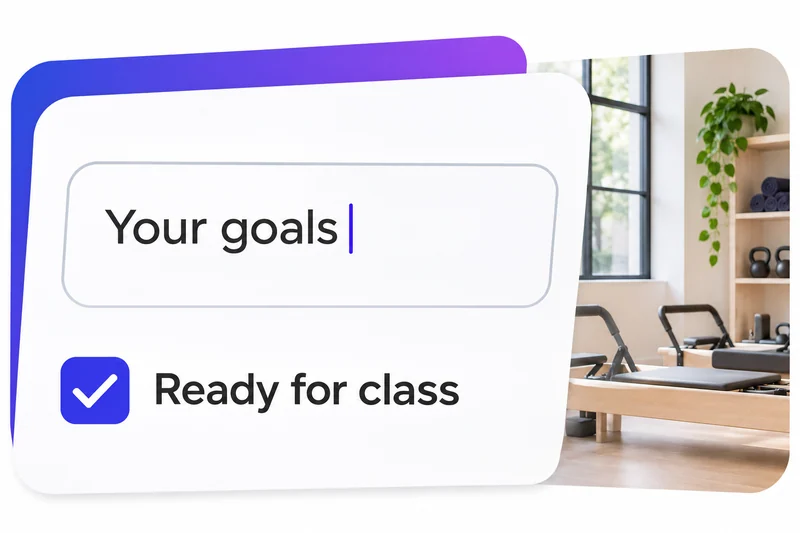
Get the answers before the first class.

Turn useful insights into your next step.
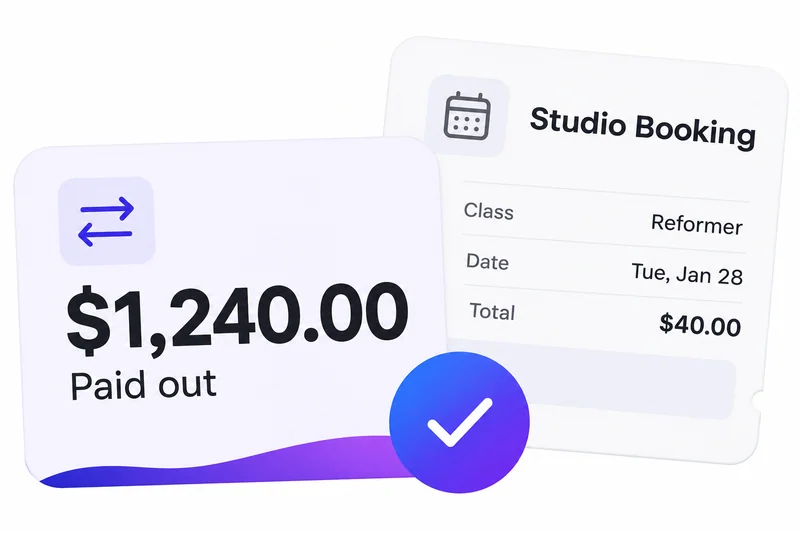
Keep your studio’s money moving.
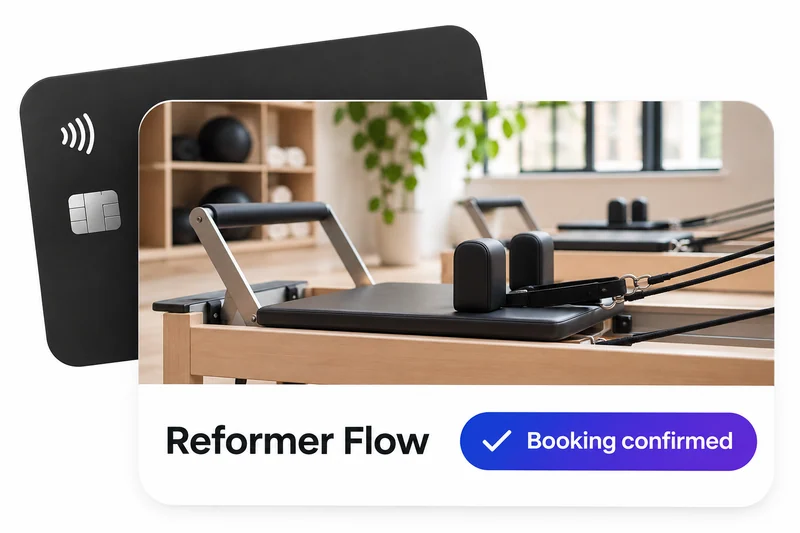
One class. One payment. You’re booked.
A pack of classes. More reasons to return.
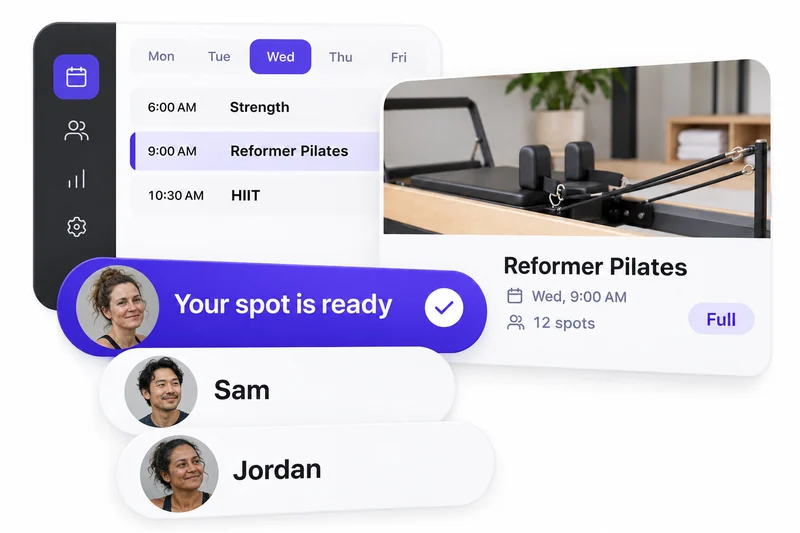
Fill the spaces that open up.
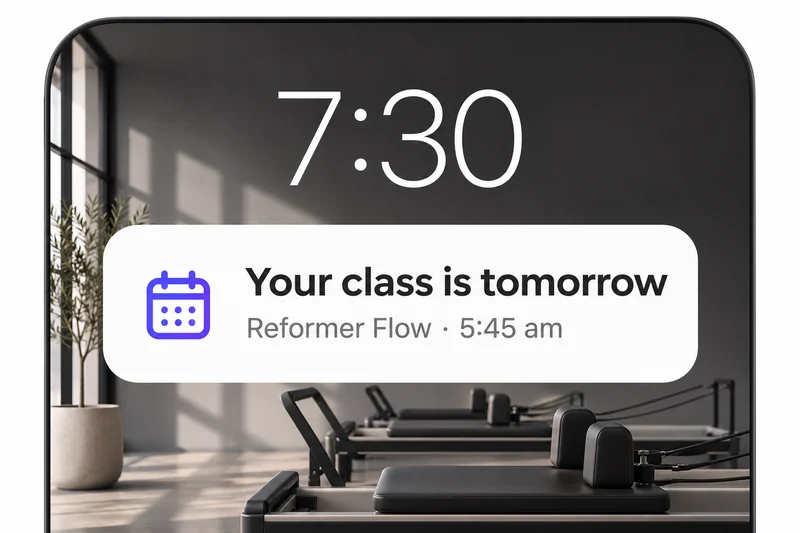
Keep the next class front of mind.
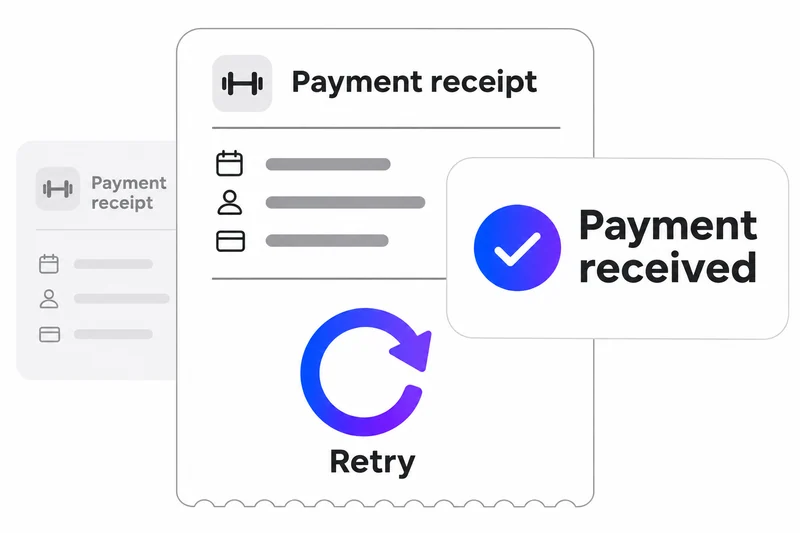
Recover missed payments automatically.
Stay across what matters to you.
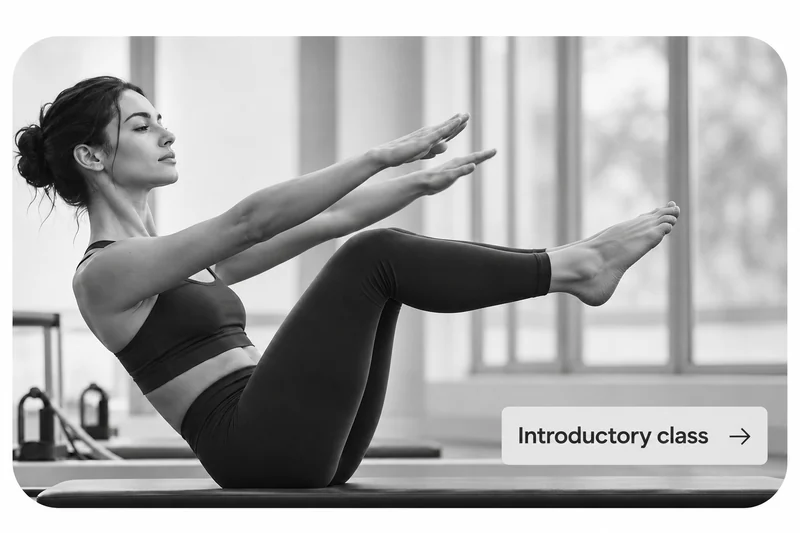
Give new clients a reason to begin.
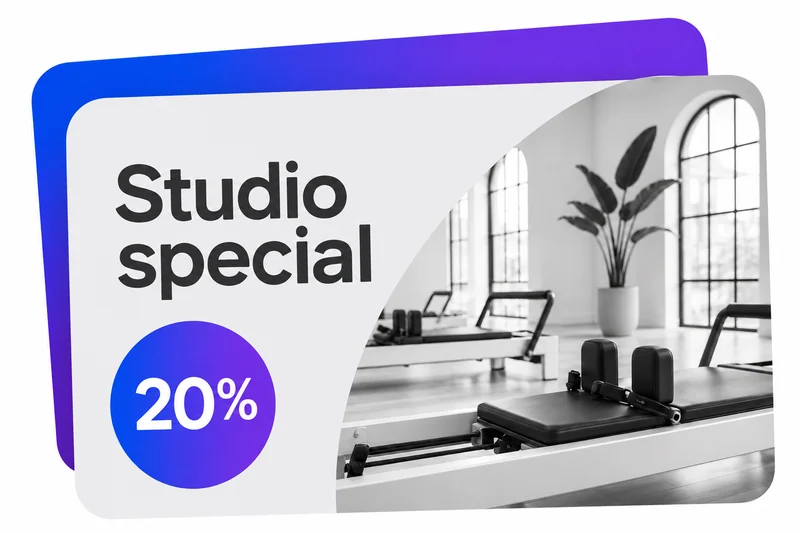
Put your next offer in the spotlight.
Give someone their next favourite class.
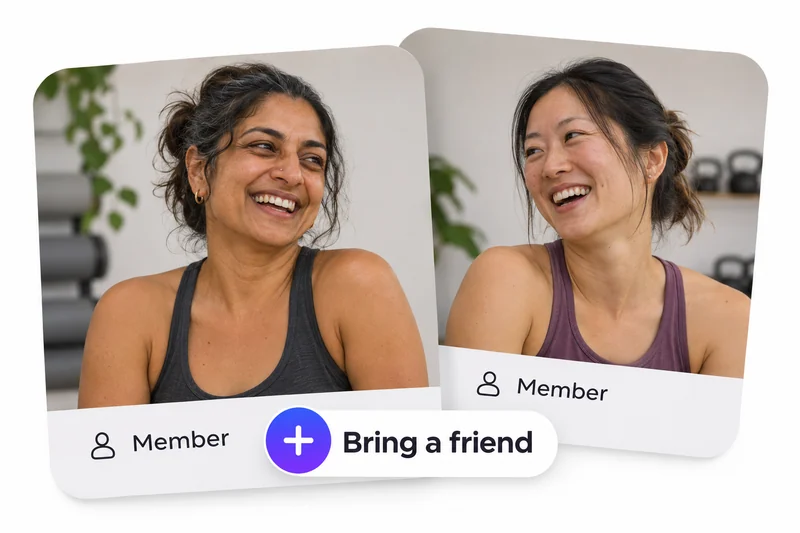
Reward the people who bring people.
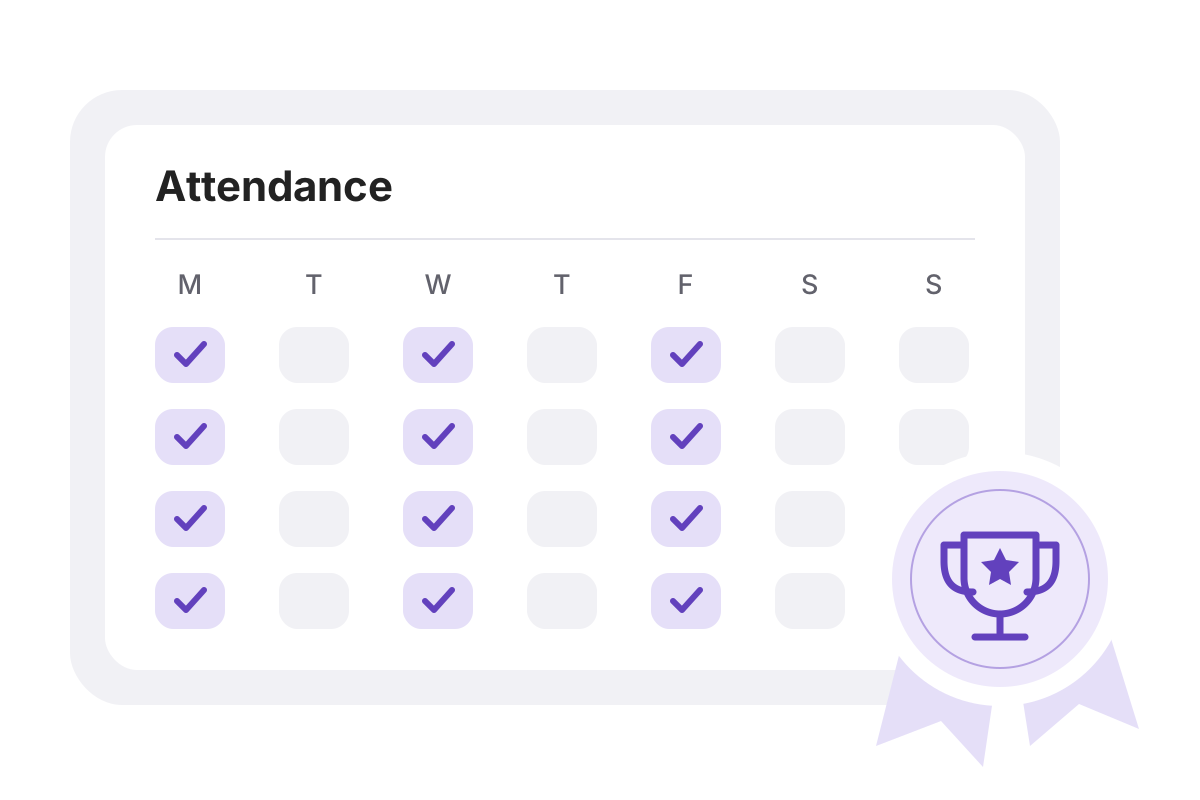
Celebrate consistency. Keep them coming back.
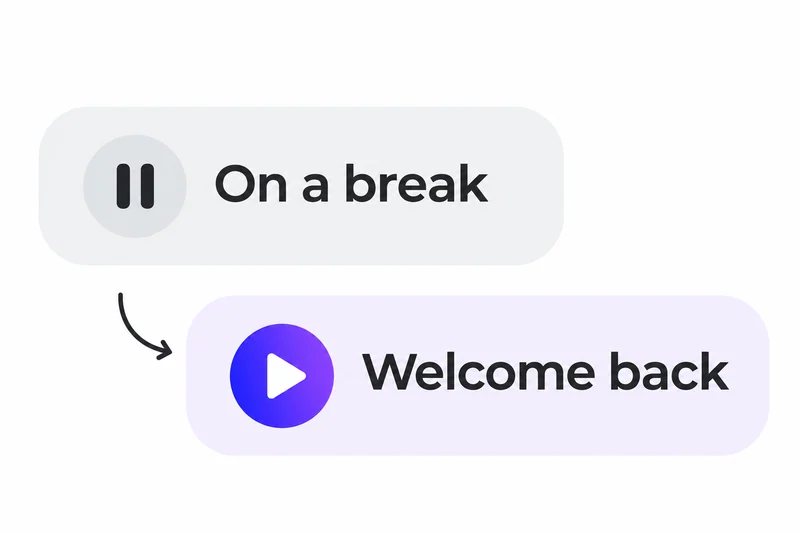
Time away. An easy return.
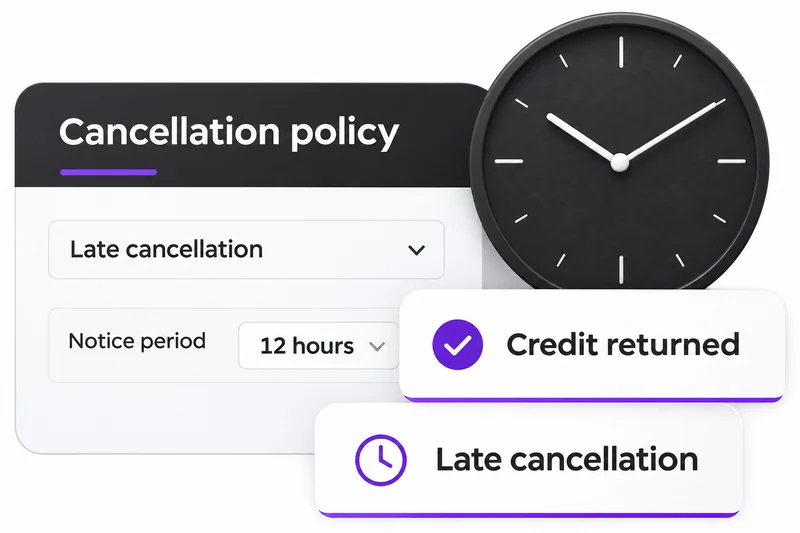
Clear cancellation rules. Applied for you.
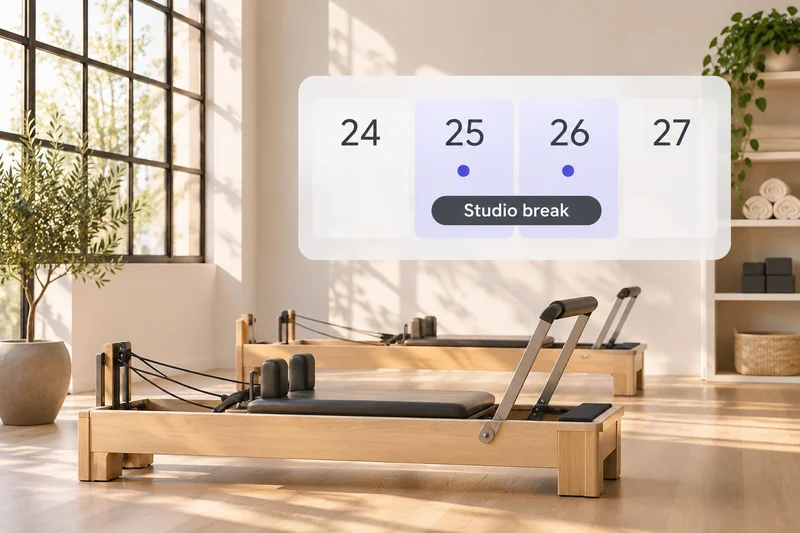
Take a break. Let Clovo handle the dates.
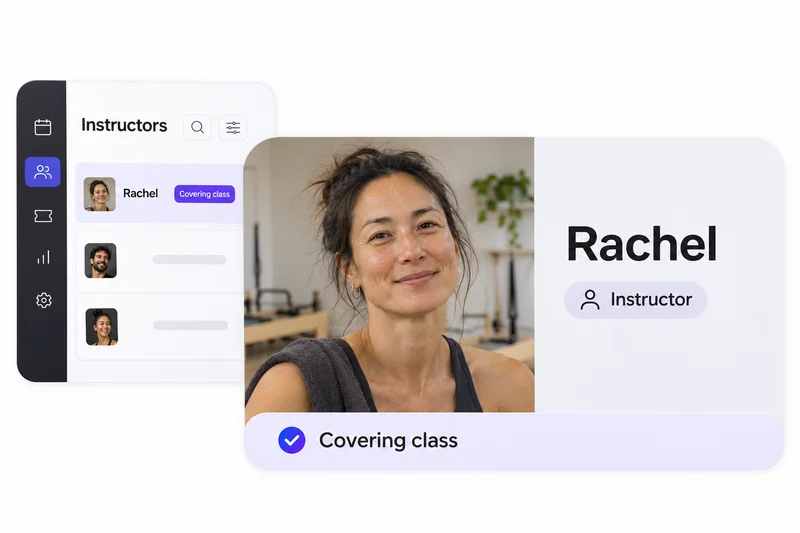
The right people. Ready for every class.
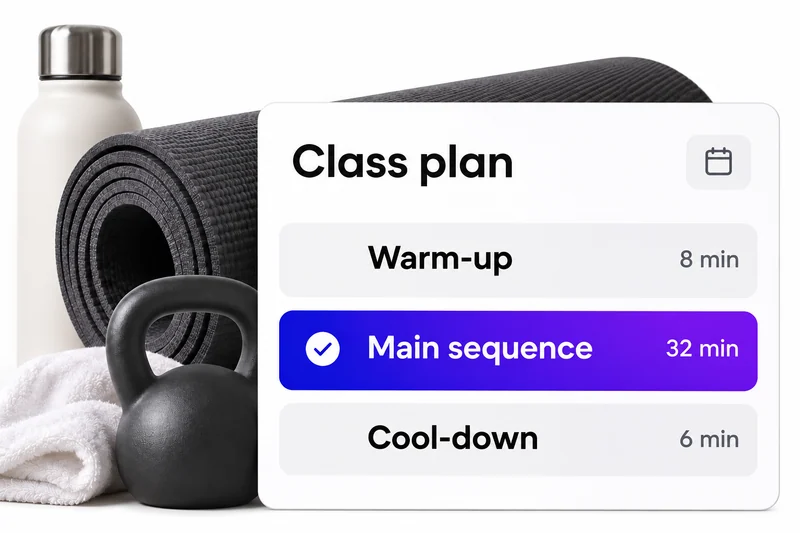
A clear plan. A confident instructor.
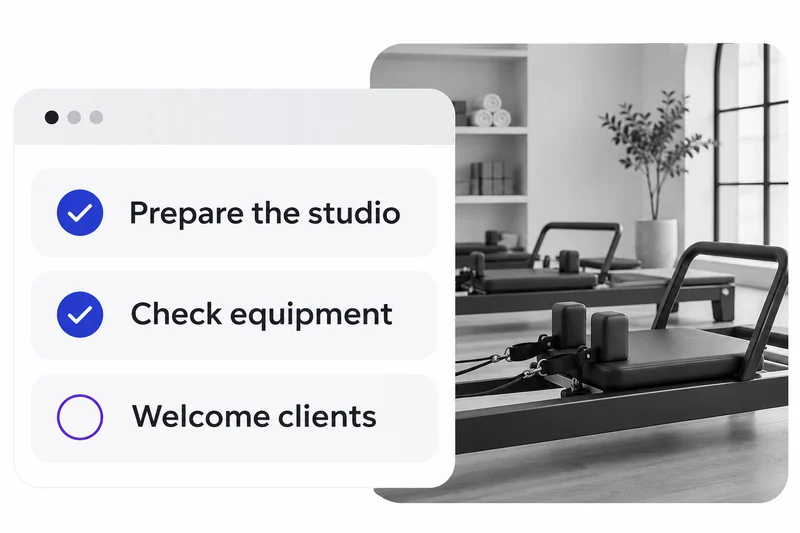
Share the jobs. Keep the day running.
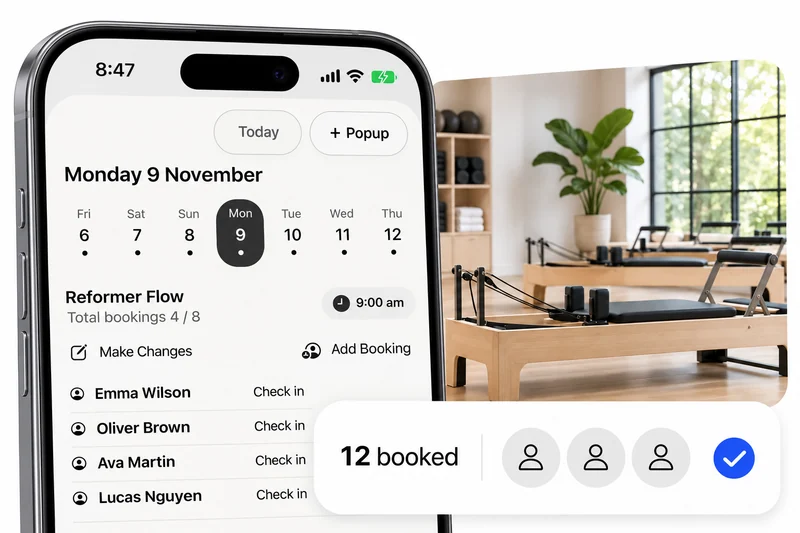
Run your studio, wherever the day takes you.
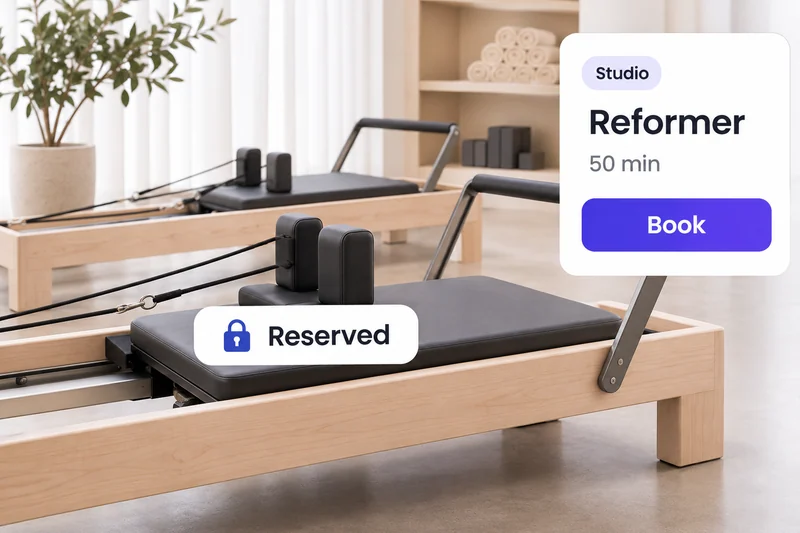
Keep the right place for the right client.
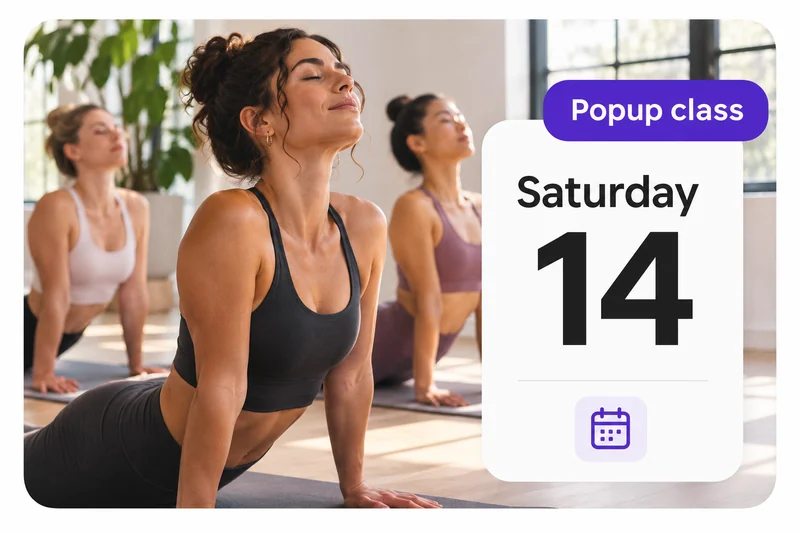
Make room for something special.
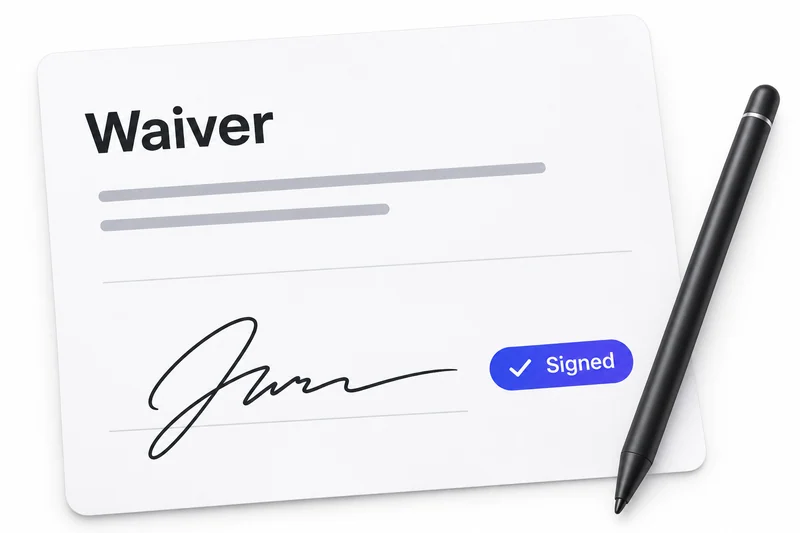
Signed at signup. There when you need it.
Know who’s here. Keep attendance clear.
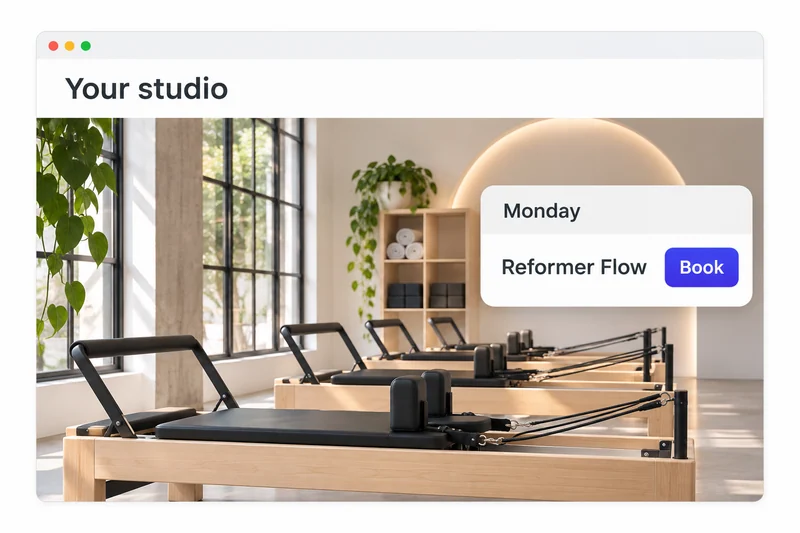
Live bookings, on the website you love.
Your studio’s day, in one clear timeline.
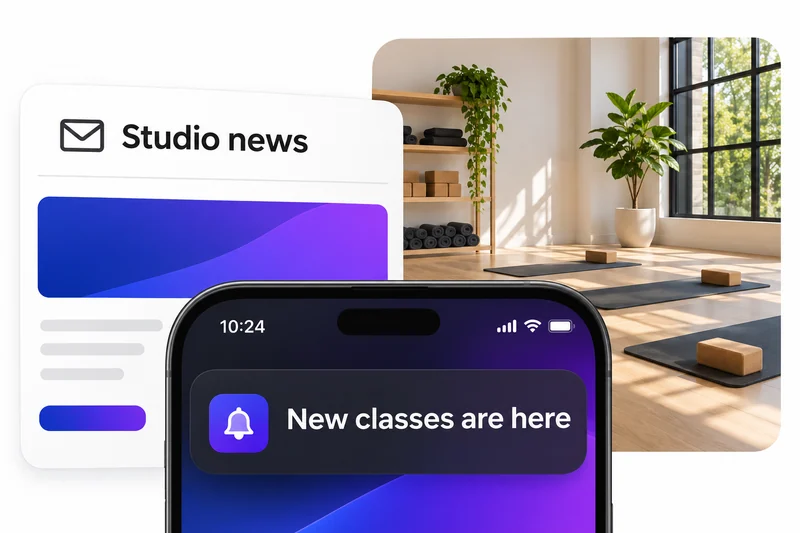
Keep your whole studio in the loop.
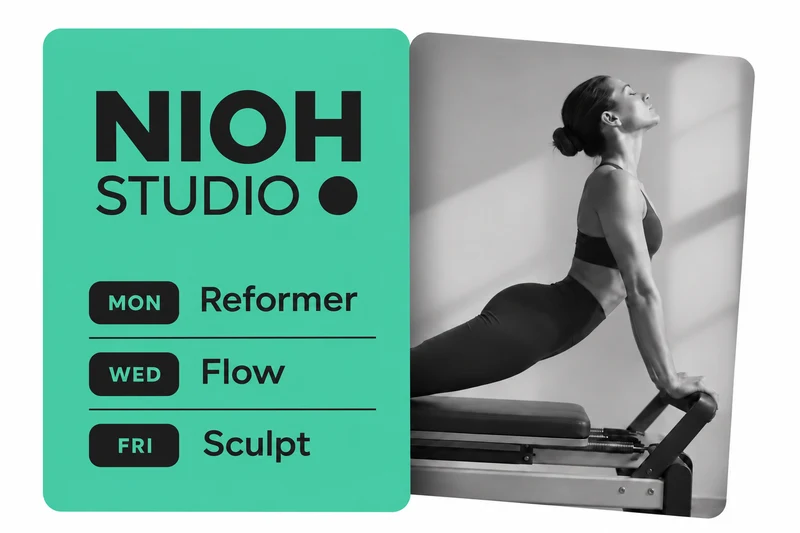
Your week. Ready for your social feed.

One account. Everyone’s next class.
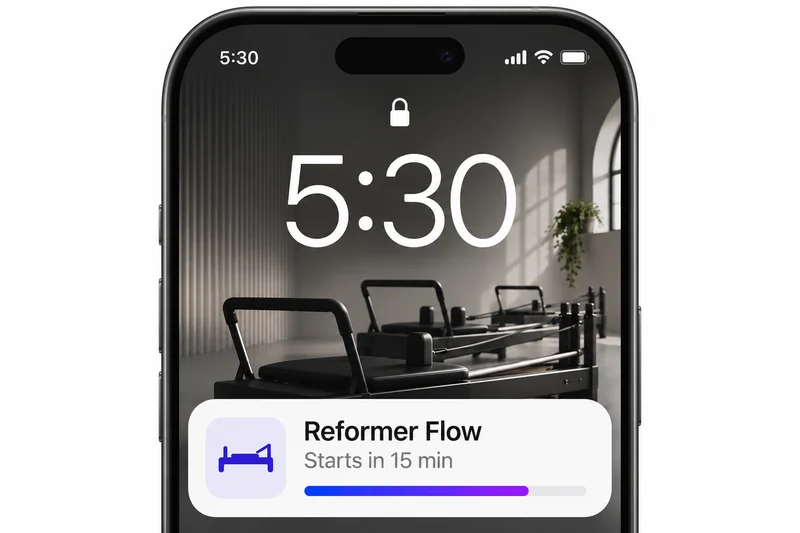
Your next class, right on the Lock Screen.
Special pricing, for the people you choose.
Clovo is engineered for Australian boutique fitness businesses by professional software engineers with over 20 years’ experience.
Talk to real humans in your timezone — not a ticket queue on the other side of the world.
Core Clovo platform hosted on AWS in Sydney. Fast, local infrastructure.
Native support for BECS and PayTo — recurring payments that just work with Aussie banks.
Pricing, payouts and reporting, all in Australian dollars. No FX surprises on your statement.
Funds settle directly to your Australian bank account — no offshore detours.
Built and run from Brisbane, Queensland. Locally owned, locally made — we’re your neighbours.
No. Standard Clovo accounts need no credit card and have no setup or monthly fees. Clovo’s fee is collected from your sales alongside Stripe’s transaction fees.
No. Your clients are not charged to use Clovo. Fees for the platform are paid by the studio.
Everything is included as standard, with no exclusions or add-ons. Standard Stripe processing fees apply to online payments.
Yes. Your logo and colours appear inside Clovo after clients download the app and select your studio. Custom app icons and separate App Store and Google Play listings are available only through enterprise whitelabelling.
Yes. You can offer recurring memberships, class-credit packs, introductory offers and individual class bookings to suit the way your studio works.
Yes. Add Clovo’s live timetable and booking experience to your existing website, so clients can book without you rebuilding your site.
Clovo plugs right in to your other platforms.
Clients download Clovo from the App Store or Google Play, then select your studio. Your logo and colours shape their booking experience inside Clovo, without you managing a separate app.
Your clients will love their new booking app. You’ll love empowered clients self-managing their journey with your studio.
Custom app icons and separate App Store and Google Play listings are available only through enterprise whitelabelling.


Modern native iOS and Android apps give your clients
the experience they expect.

No switching between client
and staff apps.
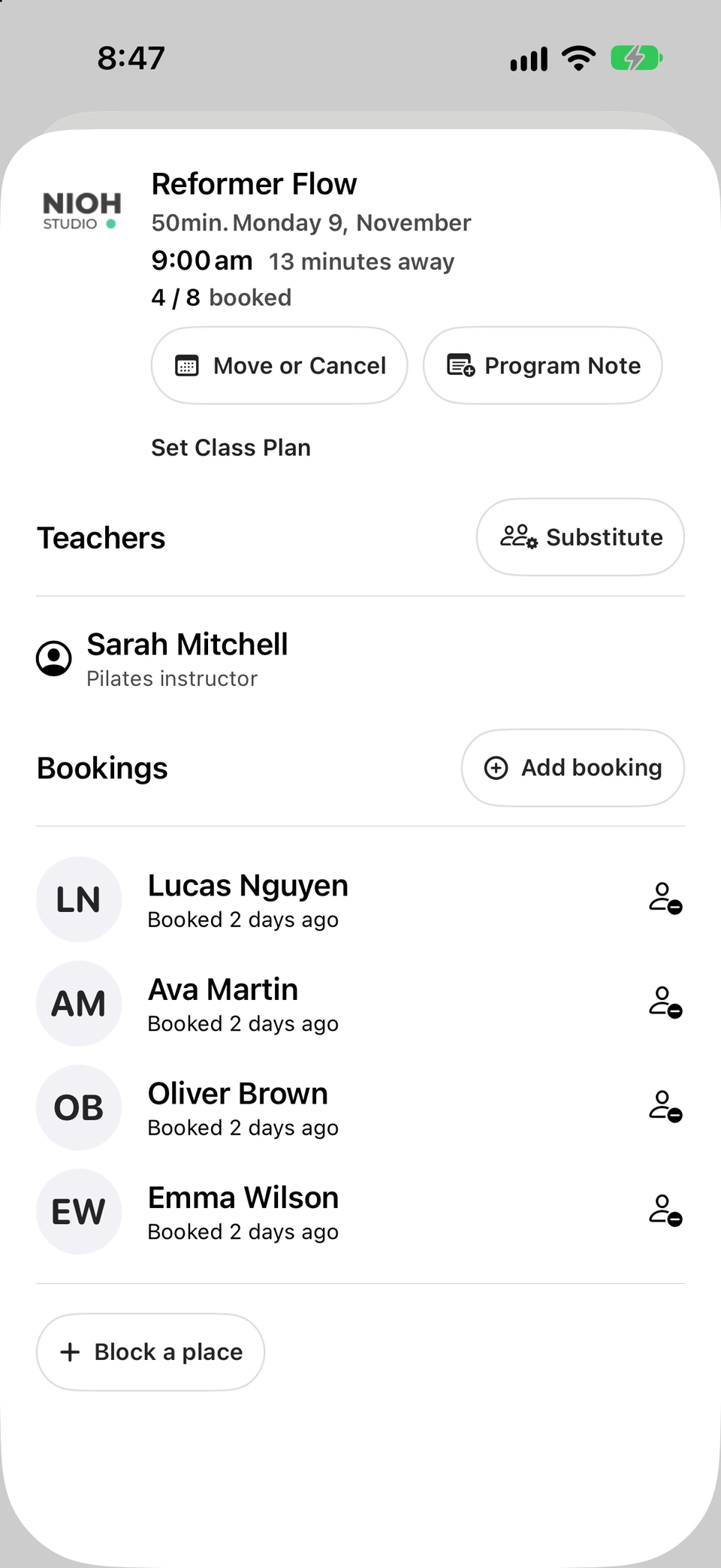

From the first booking to the next class, keep your focus on your clients. Clovo takes care of bookings, packages and payments.

In the gym, at the park, or at your client’s place. Set your schedule and let your clients book and pay a time that suits you both.

Keep the energy in the room. Bookings, recurring payments, cancellations and waitlists are all taken care of.
Launch your studio today with no monthly fee — you only pay when your members pay you. Set up for free, with no card required.
Start free today