Use live records
Begin with the current client, class, plan, payment, product, message, or studio state.

 Branded Booking Apps
Beautiful branded booking apps for iPhone and Android.
Branded Booking Apps
Beautiful branded booking apps for iPhone and Android.
 Studio Management Dashboard
Manage every aspect of your fitness business.
Studio Management Dashboard
Manage every aspect of your fitness business.
 Landing Pages
A mini website on your own .clovo.app subdomain.
Landing Pages
A mini website on your own .clovo.app subdomain.
 Member Shop
Sell grip socks, water bottles and merch in-app.
Member Shop
Sell grip socks, water bottles and merch in-app.
 Integrated Admin App
Run staff features from inside the client app.
Integrated Admin App
Run staff features from inside the client app.
 Clovo Website Add-ons
Add live schedules to your existing website.
Clovo Website Add-ons
Add live schedules to your existing website.
 Clovo on the iPad
One app, so many uses — now on Apple iPad.
Clovo on the iPad
One app, so many uses — now on Apple iPad.
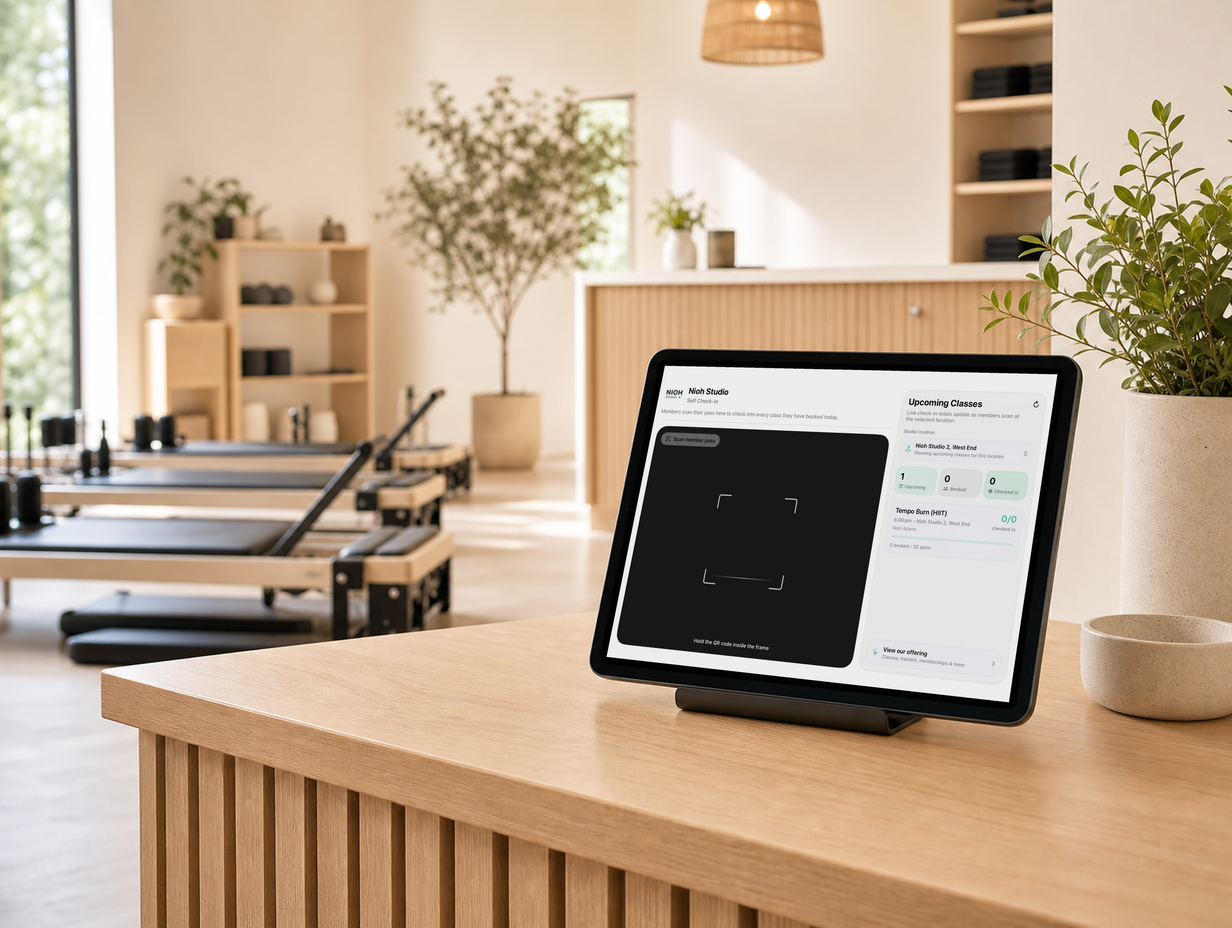
 Clovo Kiosk
Self-serve lobby check-in on a spare iPad.
Clovo Kiosk
Self-serve lobby check-in on a spare iPad.
Client apps & access
Shared Clovo links open the relevant studio or class directly in the installed app.
Illustrative studio data shown
The app belongs in the studio experience
Members meet the studio before they reach the front desk. Clear access, recognisable branding, and direct routes into the right screen remove friction from that first digital moment.
Shared Clovo links open the relevant studio or class directly in the installed app. The product detail matters because it supports a real member, staff member, and studio moment.
Why it matters
Shared Clovo links open the relevant studio or class directly in the installed app. Clovo keeps the surrounding context available before, during, and after the action.
From tap to useful destination
The member stays inside the same branded studio experience while Clovo resolves identity, destination, and the relevant live information. Shared Clovo links open the relevant studio or class directly in the installed app.
Illustrative product detail shown
Illustrative studio activity shown
A continuous member journey
A useful app experience remembers which studio the member belongs to and takes them to the screen that matches what they were trying to do.
Feature by feature
The exact controls reflect the studio configuration, member context, and staff permissions involved.
Shared Clovo links open the relevant studio or class directly in the installed app.
The capability appears in the relevant client apps workflow, with the surrounding Clovo record close by.
The studio retains the configuration, audience, timing, eligibility, or operational decision that applies to the feature.
Clovo preserves the useful relationship between the action and the client, class, payment, plan, message, product, or studio event behind it.
Designed for everyday studio work
App deep links works as part of Clovo’s connected booking, payments, member experience, and studio operations platform.
Begin with the current client, class, plan, payment, product, message, or studio state.
Respect the configuration, eligibility, timing, and permissions that apply.
Make the current result understandable without reconstructing a separate workflow.
Keep staff and member surfaces aligned where the feature appears in both.
Retain useful history for the next service, operational, reporting, or follow-up moment.
Reduce duplicated data, disconnected tools, and manual reconciliation around the action.
Common questions
Shared Clovo links open the relevant studio or class directly in the installed app.
It appears in the relevant Clovo studio workflow and stays connected to the member, class, plan, payment, message, product, or operational record involved.
Yes. The available controls sit inside the studio’s Clovo workspace and reflect the current configuration and staff permissions.
Yes. The result remains part of the same connected platform, so staff do not need to reconcile a separate tool or duplicate the surrounding studio data.
The whole workflow is included
Clovo brings booking, payments, member experience, and studio operations together in one platform built for boutique fitness.
Launch your studio today with no monthly fee — you only pay when your members pay you. Set up for free, with no card required.
Start free today