


How-to guide
How to create products in Member Shop
Add retail products to Clovo Member Shop so clients can buy merch, grip socks, bottles and studio essentials from the app.
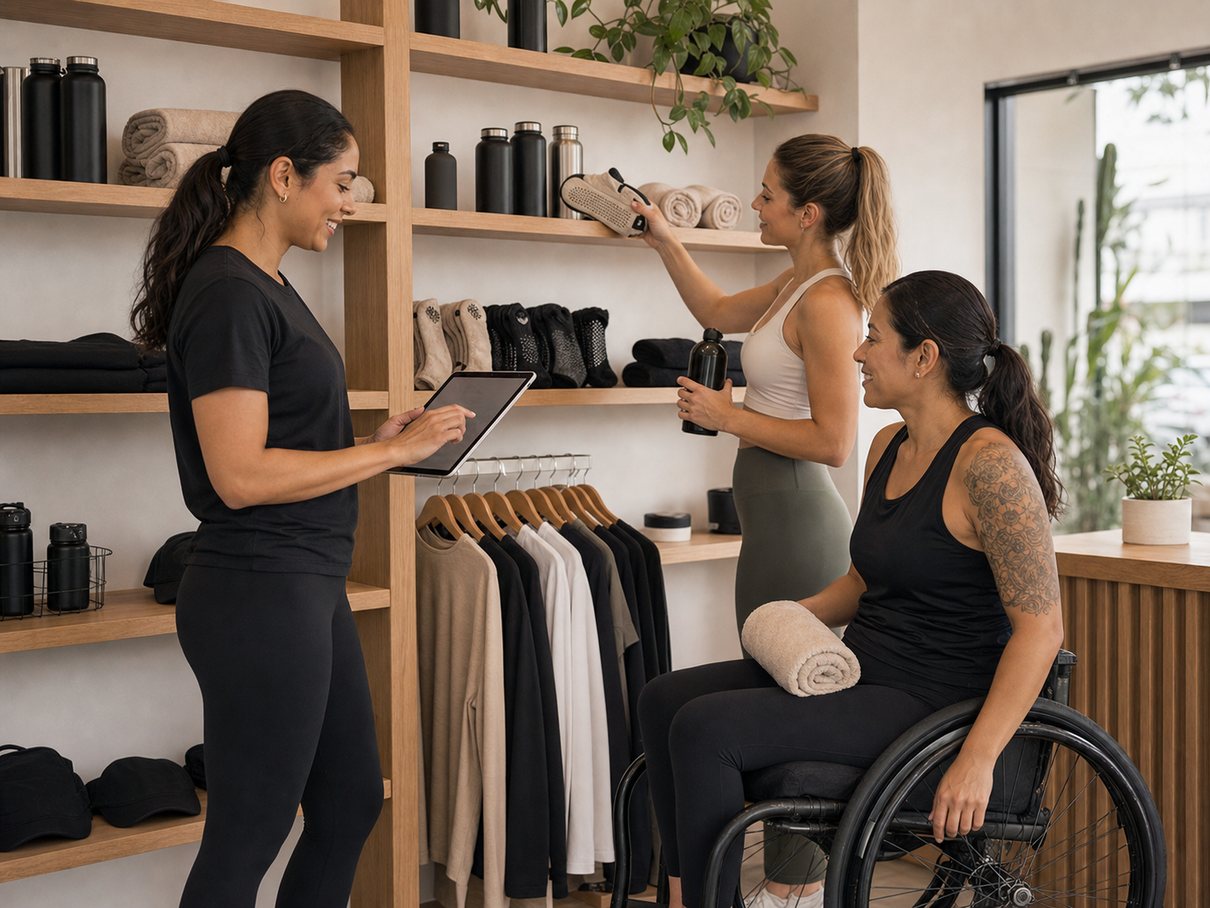
Most studios already do a little retail without calling it retail — grip socks for the new client who forgot theirs, a bottle at the desk, the occasional mat or resistance band, a run of branded merch. Member Shop turns those moments into actual products clients can buy, instead of cash in a drawer and a mental note to reorder.
The point of keeping the shop inside Clovo is closeness: purchases, fulfilment and stock all sit next to the rest of the client experience rather than living in a separate system you have to reconcile. This guide covers choosing the right products, creating one, writing descriptions people act on, tracking stock, and selling both in-app and at the front desk.
Before you start
- Have Stripe connected — products are paid for through the same payments setup as the rest of Clovo.
- Gather a clear photo and the key details (price, sizes, colours) for each product before you sit down to add them.
Add a product, step by step
-
Choose products that belong in the client journey
Start with the things clients naturally need before or after class — the items they already ask for at the desk. A small, well-chosen shop is easier to manage and easier for clients to browse than a sprawling catalogue.
-
Open Member Shop and create a product
In Clovo Studio, go to Member Shop and choose the option to create a product. This is where every item in your shop is added and edited.
-
Add the core details
Give the product a name, a description, one or more images and a price. Add any fulfilment details your team needs so whoever hands it over knows how the item is collected or shipped.
-
Write the description for a quick decision
Clients usually buy retail in a practical moment, not after long deliberation. Cover size, use, fit, colour and any studio-specific notes in plain language so they can decide in seconds.
-
Set up stock tracking if it matters
If running out would cause problems, turn on inventory management so staff can see what can be sold and what needs replenishing. This is especially useful for products that come in sizes or variants.
-
Decide where it sells
Member Shop products can support both app-based purchasing and front-desk sales. Make the item available where clients are most likely to buy it — in the app for convenience, at the desk for the in-person moment, or both.
Write descriptions that close the sale
A retail purchase in a studio is an impulse, and impulses fade fast. The description's job is to answer the one or two questions standing between the client and a tap, then get out of the way.
- Lead with what it is and who it's for — "grip socks for reformer and barre", not just "socks".
- Cover the practical specifics: size range, fit, colour options and material where it matters.
- Add the studio-specific note only you would know, such as which class a product is recommended for.
Tip
For anything that comes in sizes or colours, stock tracking earns its keep. It stops a client from buying a size you've sold out of, and it tells staff at a glance what to reorder before the shelf is bare.
Sell online and at the desk
The same product can work in two places at once. In the app, clients browse and buy on their own time — handy for the merch they think about after they get home. At the desk, staff still handle the spontaneous "can I grab a pair of those?" moment without sending anyone to a separate till.
Member Shop keeps product stock and sales in one place, with clients able to browse and purchase through the app.
Common questions
What kinds of products work best in Member Shop?
The small, practical items clients already ask for — grip socks, bottles, mats, bands and branded merch. Member Shop is built for the meaningful retail layer of a studio, not a full e-commerce catalogue, so a short, well-chosen list works best.
Can clients buy in the app and at the front desk?
Yes. Member Shop products support app-based purchasing, so clients can browse and buy merchandise alongside their bookings.
How do I avoid overselling something I've run out of?
Turn on inventory management for that product. Stock tracking lets staff see what can be sold and what needs replenishing, which is especially useful for items that come in sizes and variants.
What to remember
- Keep the shop small and practical — products clients already need before or after class.
- Add each product with a clear name, image, price and a description that answers buying questions fast.
- Use stock tracking where overselling would cause friction, and sell both in-app and at the desk.
Ready to try it in your studio?
Run bookings, payments and client apps from one place.
Clovo gives boutique fitness studios the operating system behind the tutorial: dashboard setup, branded apps, payments, landing pages and client communication.