


How-to guide
How to set up landing pages for online bookings
Use Clovo landing pages to let clients browse your studio, book classes and make purchases in a browser, even before they open the app.
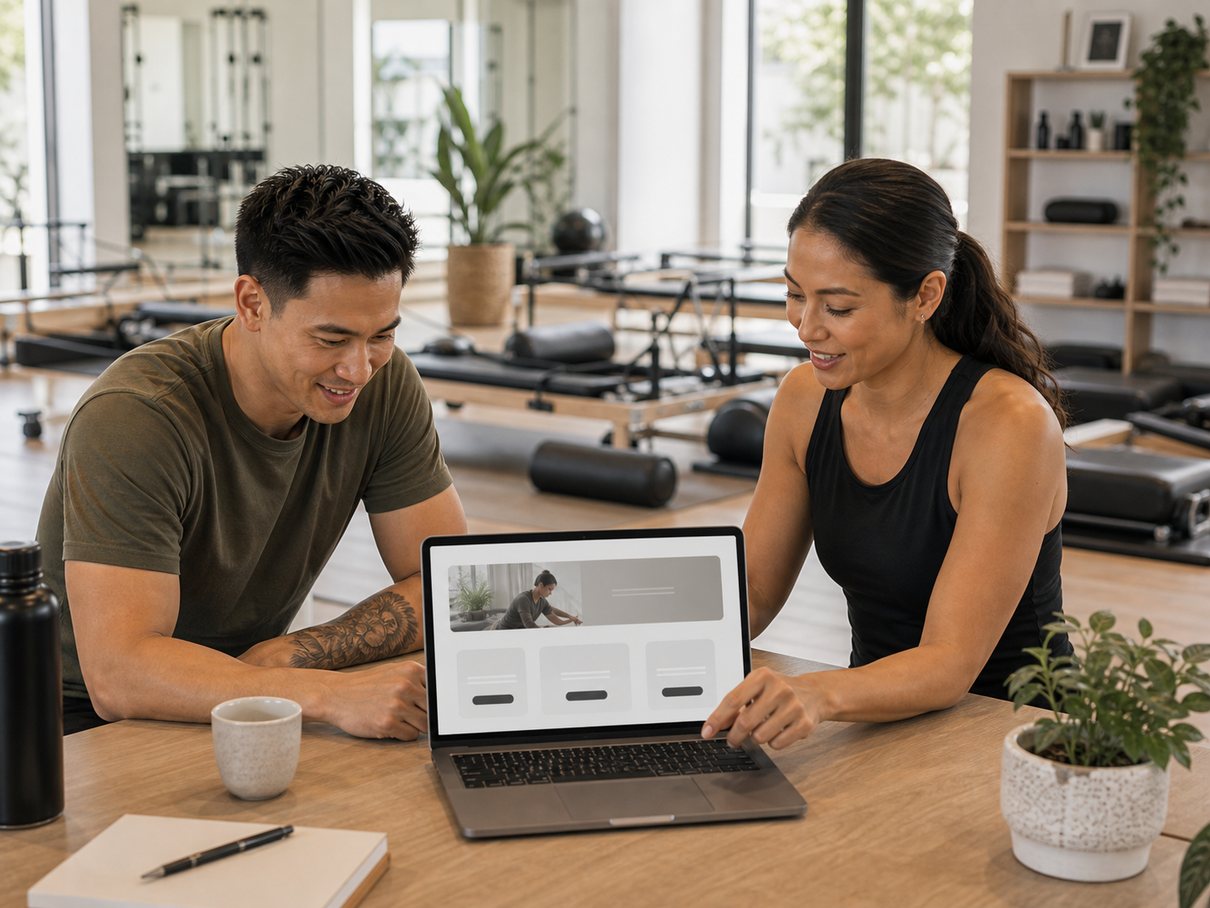
A Clovo landing page is the fastest way to give prospective clients somewhere useful to go. In a browser — before they ever install an app — they can see your studio, browse the timetable, choose an offer and start booking. Every campaign needs a next step, and this is it.
This guide covers getting the page ready to share: finishing the details that feed it, choosing a subdomain clients can remember, and using the page as the destination for everything you promote.
Before you start
- Your branding and studio description should be in place, so the page represents your studio well.
- Your class types and schedules are set up, so prospects see a real timetable to book from.
- Your products exist — memberships, packs or intro offers — so there is something to buy.
- Stripe is connected, so clients can pay the moment they decide to.
Set it up, step by step
-
Finish the details that feed the page
The landing page is powered by your existing Clovo setup, so it is only as good as what sits behind it. Before sharing it publicly, complete your branding and studio description, class types and schedules, your products and your Stripe connection.
-
Enable landing pages
Turn landing pages on so clients can book and pay directly from the browser. This is a lower-friction entry point for new leads, using the same Clovo account and booking system that runs everything else behind the scenes.
-
Choose a subdomain that is easy to share
Pick a subdomain short enough to drop into an Instagram bio, a QR code, an email footer or a Google Business Profile. Use the studio name or a clean abbreviation so people can read it, remember it and type it.
-
Make the first offer obvious
If you run a new-client intro offer, place it where prospects grasp it quickly. A strong landing page answers three questions fast: what can I book, what does it cost, and how do I start?
-
Share it everywhere clients act
Use the page as the destination for every campaign — social posts, ads, SMS, newsletters, QR signage and partner promotions. Because it is tied to live Clovo data, your timetable and products stay current as you edit them in the dashboard.
Why a landing page beats sending people straight to an app
Asking a prospect to install an app before they have decided anything is a big first step. A landing page removes that friction: they can look, browse and book in the browser they are already in, then move to the app once they are a paying client.
It is also the only page that updates itself. The page pulls from your live Clovo setup, so when you edit a class time or retire a product in the dashboard, the landing page reflects it — no separate site to keep in sync.
Tip
Treat the subdomain as a permanent address. Print it on signage, link it from your website timetable and put it in your bio — the more places it lives, the more campaigns it can quietly carry.
Common questions
Do clients need to install an app to book from the landing page?
No. The whole point is a lower-friction first step — clients can browse, choose an offer and pay in the browser. They only move to the app once they are an active client.
Will my timetable and products stay up to date on the page?
Yes. The landing page is tied to live Clovo data, so anything you change in the dashboard — class times, prices, products — shows on the page automatically. There is no second site to maintain.
What should I do before I share the link publicly?
Finish the details that feed the page: branding and studio description, class types and schedules, your products, and your Stripe connection. A half-finished page makes a weak first impression.
What to remember
- A landing page gives prospects a browser-based way to see your studio and book — no app install required.
- It runs on your live Clovo setup, so it stays current as you edit the dashboard.
- Choose a short, shareable subdomain and point every campaign at it.
Ready to try it in your studio?
Run bookings, payments and client apps from one place.
Clovo gives boutique fitness studios the operating system behind the tutorial: dashboard setup, branded apps, payments, landing pages and client communication.